描述
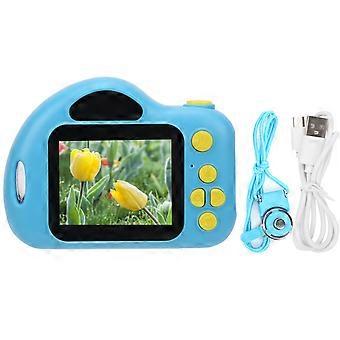
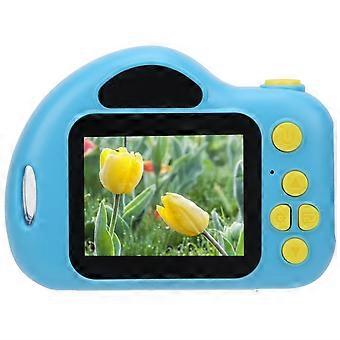
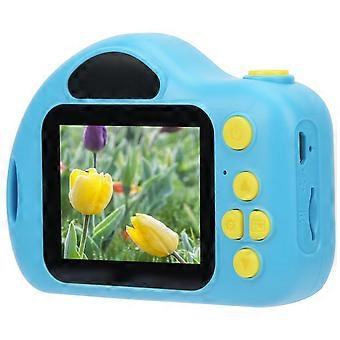
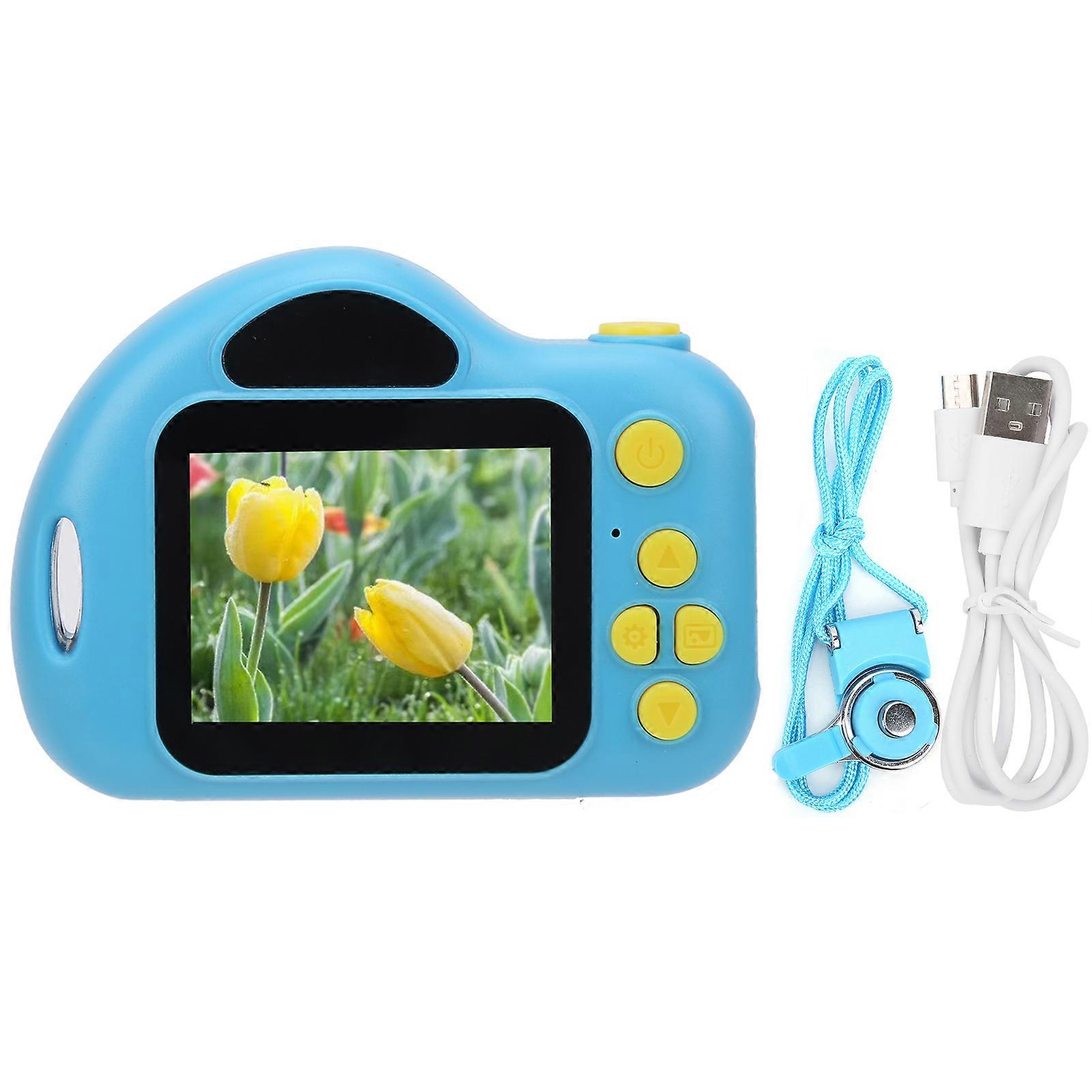
12MP Children Digital Camera 2.0in Color Display Screen Video Recording Camera Blue
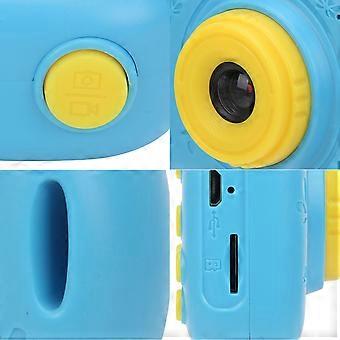
1、Food‑grade ABS material, round and cornerless design, non‑slip and abrasion resistance, comfortable for grip, care for skin of children.
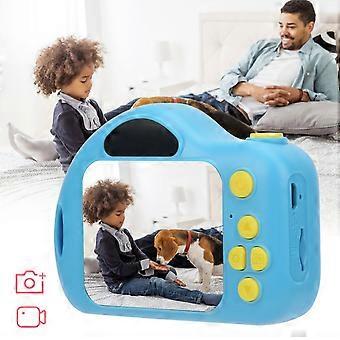
2、Support photo shooting, video shooting, photo viewing and video playback, and equipped with 5 mini games.
3、Support 6 kinds of filters and 15 kinds of photo stickers to facilitate self‑creation and develop children's exploration ability.
4、Continuous shooting mode, catch wonderful moments, specially created for children, a gift allowing children to explore their own world.
5、The built‑in large‑capacity battery has a long battery life, and the maximum battery life is 3H.
1 x Children Camera1 x USB Cable1 x Anti-Lost Strap1 x Manual
Item Type: Children CameraMaterial: PlasticColor: BlueScreen Size: Approx.
2.0in Color ScreenWeight: Approx.
152.0g/
5.4ozLens: Fixed LensViewing Angle: 100 DegreesPixel: 12MPStorage Method: Memory Card, Maximum support 32G (not included)Photo Format: JPGLanguages: Russian, English, Chinese, Korean, Japanese, RussianVideo Format: JPEGCamera Resolution: 1080P: 1440x1080 720P: 1280x720 VGA: 640x480Camera Resolution: 3M, 2H,
1.3M, VGAFilters: 6 TypesPhoto Stickers: 15 TypesOptical Frequency: 60HZ, 50HZBattery: Built-in Llithium Battery 1000mAhHow to use:
1. Long press the power button to turn on, the blue indicator light will light up when the power is turned on; long press the power button again to shut down, and the blue indicator light is off at this time
2. In the video mode, short press the "mode button" to switch to the video mode, the upper right corner of the screen will display the video split rate and the video icon; short press the "video/photograph" button to start the video, the video indicator starts to flash to indicate that the video is working ;
3. In the camera mode, short press the "mode button" to switch to the camera mode, the upper right corner of the screen will display the camera resolution and camera icon; short press the "video/photo button" to take a photo, the indicator light flashes once when the photo is taken to indicate the completion of the photo.
4. Video/photo playback Short press the "mode key" key to switch to playback mode, the playback icon will be displayed at the upper right corner of the screen; short press the "up key" to select files upward, and short press the "down key" to select downwards File; Short press the "video, camera button" to play the selected video file;
5. Menu settings Short press the "Menu key" to call up the setting menu; short press the "Up key" or "Down key", you can cycle up and down among the setting items; select the setting item that needs to be changed, and pass Short press the "video, camera button" to confirm and enter the change;
6. Exit the setting menu; short press the "menu button" to exit the setting state; in the USB mode, connect the USB cable to the computer, and the child camera will automatically connectUSB can read and access video files or photo files in this mode
-
Fruugo ID:
361829517-786371548
-
EAN:
9064571474357