描述
4 Way USB Switch Box with Quick Pushbutton Control for Printer Scanner Camera Keyboard
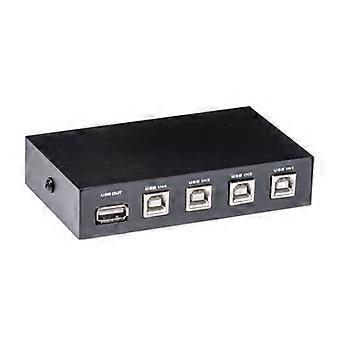
4Way USB Manual Push Button Switch Box for Printer Scanner Camera Keyboard
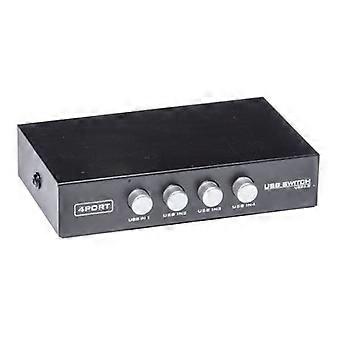
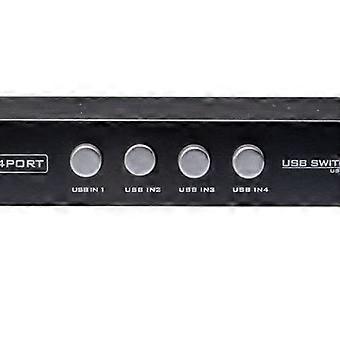
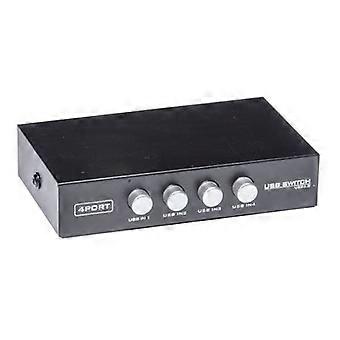
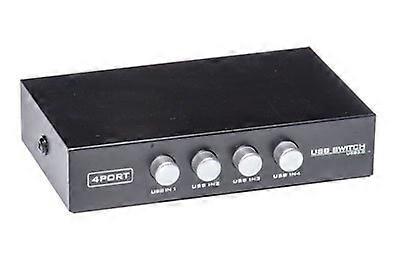
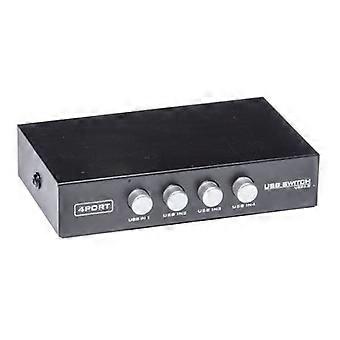
Quickly select which USB peripheral is active without unplugging cables. This manual 4way USB switch box connects up to four USB devices to a single computer and lets you toggle between them with a simple push button. It removes cable clutter and speeds routine tasks when multiple peripherals share one host.
Key benefits
Simplifies workspace management: connect multiple USB devices to one computer and switch between them instead of swapping cables.
Saves time and reduces wear: manual pushbutton switching is fast and prevents repeated plugging and unplugging.
Broad peripheral compatibility: designed for standard USB devices such as printers, scanners, cameras, and keyboards.
Compact and unobtrusive: small desktop footprint keeps your workspace organized and accessible.
Reliable everyday performance: straightforward mechanical switching provides predictable results for routine office and home use.
What it does
Function: provides four USB inputs and a manual push button to select which device is connected to the host.
Compatibility: works with common USB peripherals including printers, scanners, digital cameras, and keyboards. Ideal for systems that need to alternate access to several USB devices.
Size and design: compact housing fits on a desk or shelf so devices remain connected and ready for use.
Build and performance: manual control reduces dependency on software or drivers and offers a simple, lowfailure way to manage multiple devices.
Practical use scenarios
1. Shared office workstation: a single computer needs access to a printer, scanner, and camera. Use the switch box to select the active device during document scanning or printing without reconnecting cables.
2. Home office setup: a laptop with one USB port can connect to a keyboard, printer, and webcam. Toggle between devices quickly when switching from typing to printing or video calls.
3. or testing bench: a technician can cycle through different USB peripherals connected to one diagnostics computer without unplugging each device.
How to integrate
Connect up to four USB peripherals to the switch inputs.
Connect the switch output to your computer USB port.
Press the push button to select the desired device.
No complex setup required for routine switching in typical desktop environments.
This 4way manual USB switch box is a practical solution for anyone who needs to manage multiple USB peripherals on a single host with minimal hassle and reliable manual control.
-
Fruugo ID:
466142124-979305188
-
EAN:
6212048098503