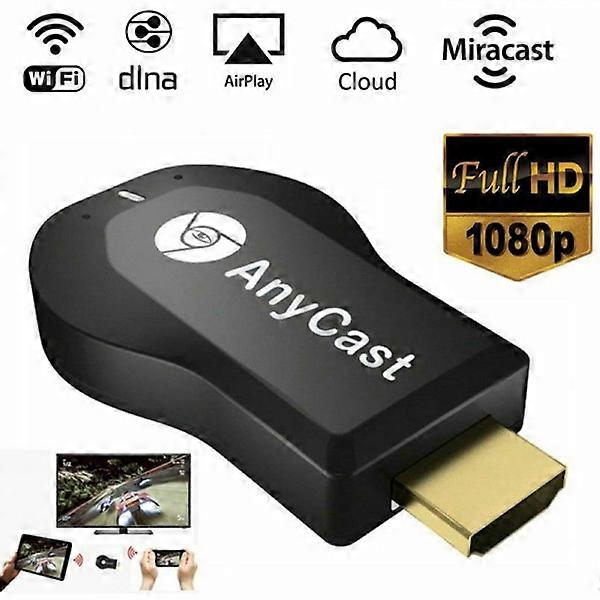
4K AnyCast M2 Plus WiFi Display Dongle HDMI Media Player

MYR94.00
+ MYR29.49 送货

4K AnyCast M2 Plus WiFi Display Dongle HDMI Media Player

  • 品牌: Unbranded

4K AnyCast M2 Plus WiFi Display Dongle HDMI Media Player

  • 品牌: Unbranded
建议零售价: MYR189.00
价格: MYR94.00
您节省了: MYR95.00 (50%)
由……售出:
MYR94.00
+ MYR29.49 送货

有货

14天退货政策

付款方式:

描述

4K AnyCast M2 Plus WiFi Display Dongle HDMI Media Player

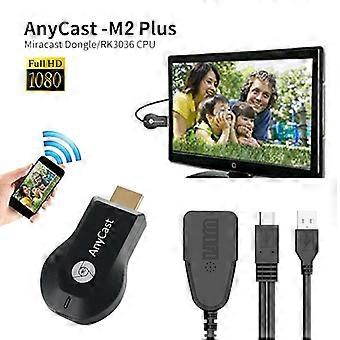
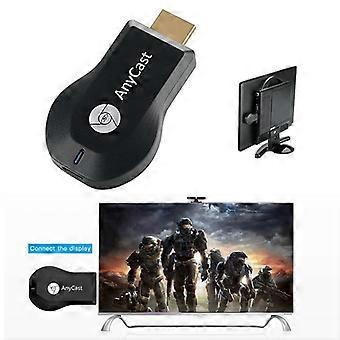
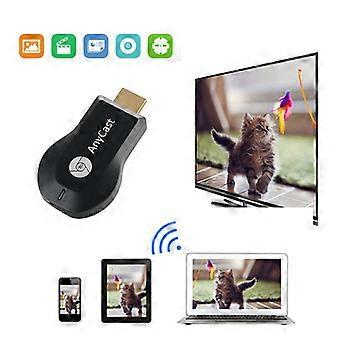
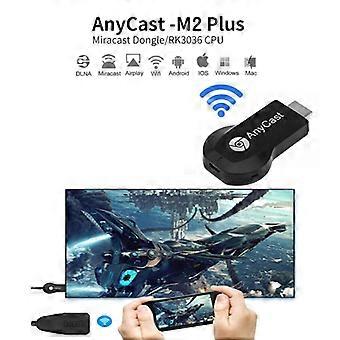
Features: No APP installation required and supports one-button switching, simple and convenient to use Ultra-low power consumption and low heat Compact portable design for easy carrying Supports IOS / Android / operating systems Fantastic sharing and performance for your video, excel, PPT, PDF and other files Suitable for projectors, smartphones, tablets, laptops, ultrabooks, etc Connections: HDMI, USB Decoding Ability: 1080P (Full-HD) Operating System: Android Type: High Definition Color: Black Product Size (L x W x H): 6.50 x 3.50 x 1.50 cm / 2.56 x 1.38 x 0.59 inches Display the image after the product is placed on the TV. The upper left corner of the image displays IP, a pattern used by Apple The upper right corner of the image displays IP When you close the IP, it becomes Android mode - phone connection FAQ Q1: No reaction after connection, no display? 1) Confirm whether the power is normal, use 5V 2A external power, the product indicator light is red after the power is turned on, if the indicator does not light up, replace the USB power. 2) If the product starts normally (the indicator light is red), check whether the input signal source on the display has selected the corresponding HDMI mode. Q2: The smartphone (Android/IOS) cannot display the same thing as the large device after connection? 1) Check whether you are selecting the correct mode, the product supports iPhone 4 or later, Should choose Airplay/DLNA mode for the wireless display receiver to connect. If it is an Android phone (supports Miracast the same, different brands of Android phones have different names and icons for Miracast the same function), select the wireless display receiver Miracast mode to connect. The wireless display has a mode switch button, press it once to switch Airplay or Miracast. 2) For iPhone, it needs to connect to the WIFI hotspot for the wireless display receiver (SSID and code will be displayed), then complete the same connection. Android phone can connect directly under Miracast mode. Q3: Products cannot connect to systems devices, cannot be the same when watching youtobe, Netflix video? 1) This product only supports Android/IOS systems, the system is temporarily incompatible. 2) This product only supports YouTube and Netflix web version video playback, can temporarily not support the above APP client with playback Package Contents: 1 x Wireless Wi-Fi Display Dongle Receiver, 1 x 2 in 1 WiFi USB Cable, 1 x English User Manual
  • Fruugo ID: 399797028-851040281
  • EAN: 6903505950792

产品安全信息

请参阅下面列出的特定于该产品的产品安全信息

以下信息由销售该产品的独立第三方零售商提供。

产品安全标签

CE Mark
安全警告: Not suitable for children under 36 months
原料: Plastic 5%

配送 & 退货

在 24 小时内发货

  • STANDARD: MYR29.49 - 之间的交付 周一 05 一月 2026–周二 13 一月 2026

从 中国 送货。

我们会争取将您订购的产品按照您的规格完整地配送给您。不过,万一您收到不完整的订单,或收到的产品与您订购的不同,或者有其他原因让您对订单不满意,您可以要求全部或部分退货,您将收到相应产品的全额退款。 查看完整的退货政策

产品合规详细信息

请参阅下面概述的针对该产品的合规性信息。

以下信息由销售该产品的独立第三方零售商提供。

制造商:
以下信息概述了在Fruugo销售的相关产品的制造商联系信息。

  • DIMEANI07
  • Wenzhou Xianrui E-commerce Co., Ltd.
  • 1020, 10th Floor, Wenzhou Premium Agricultural Products Exhibition and Sales Center Building,
  • Zhejiang Southern Agricultural and Sideline Products Center Market (Area 4)
  • Wenzhou
  • CN
  • 325029
  • smarthomebrand@outlook.com
  • 8619146916074

欧盟负责人:
以下信息概述了欧盟负责人的联系信息。该负责人是位于欧盟的指定经济运营者,负责有关销售到欧盟的相关产品的合规义务。

  • E-CrossStu GmbH
  • E-CrossStu GmbH
  • Mainzer Landstr.69
  • 60329 Frankfurt am Main
  • Hessen
  • DE
  • 60329
  • E-CrossStu@web.de
  • 69332967674