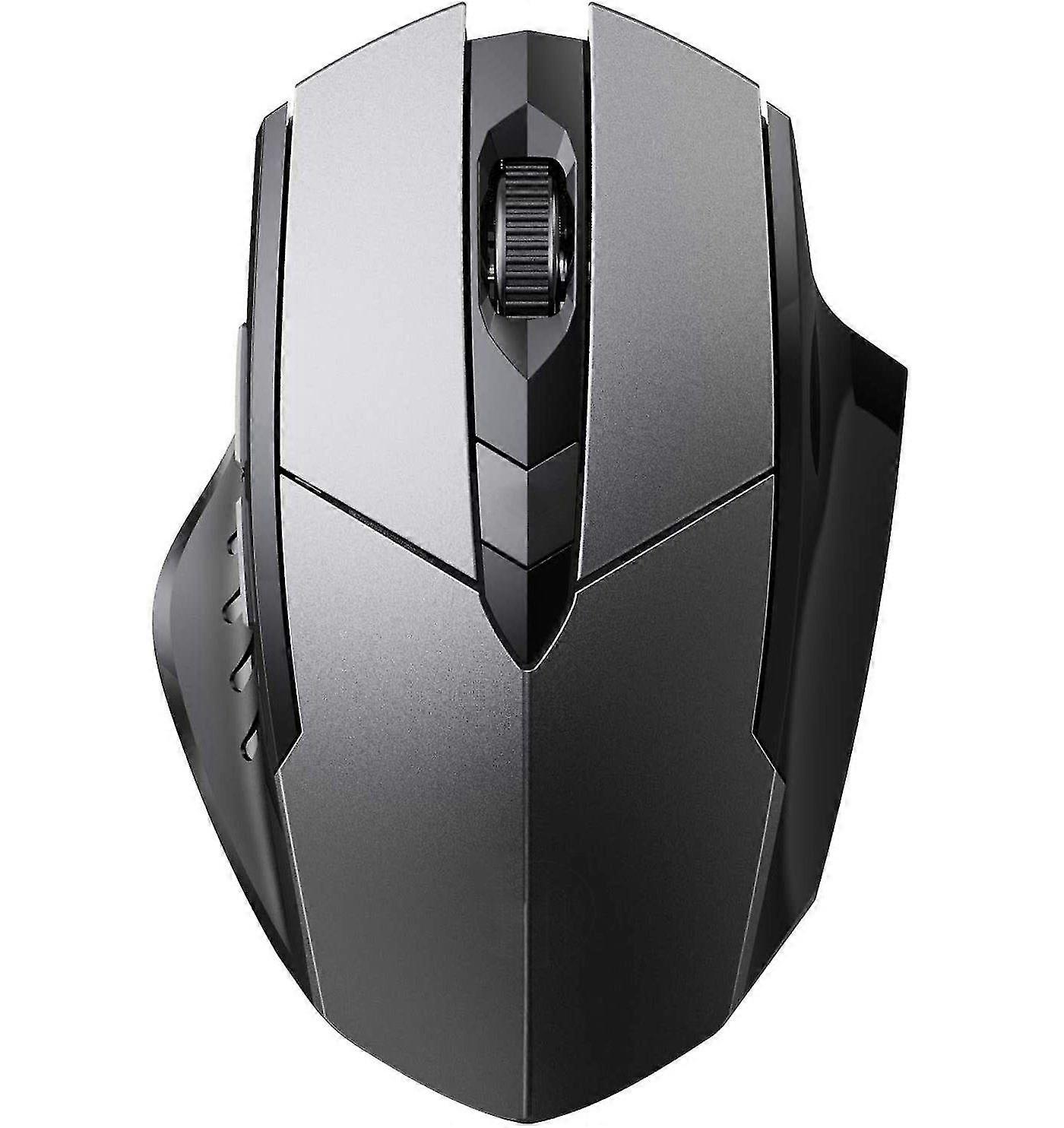
Bluetooth Mouse Wireless, Multi-device Silent Rechargeable Bluetooth Wireless Mouse

MYR94.00
+ MYR52.49 送货

Bluetooth Mouse Wireless, Multi-device Silent Rechargeable Bluetooth Wireless Mouse

  • 品牌: Unbranded

Bluetooth Mouse Wireless, Multi-device Silent Rechargeable Bluetooth Wireless Mouse

  • 品牌: Unbranded
建议零售价: MYR149.00
价格: MYR94.00
您节省了: MYR55.00 (36%)
由……售出:
MYR94.00
+ MYR52.49 送货

有货

14天退货政策

付款方式:

描述

Bluetooth Mouse Wireless, Multi-device Silent Rechargeable Bluetooth Wireless Mouse

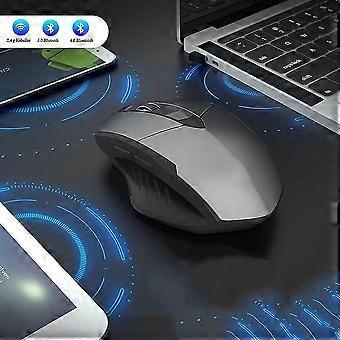
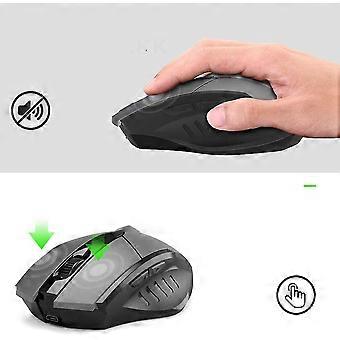
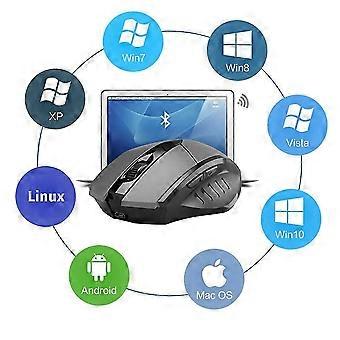
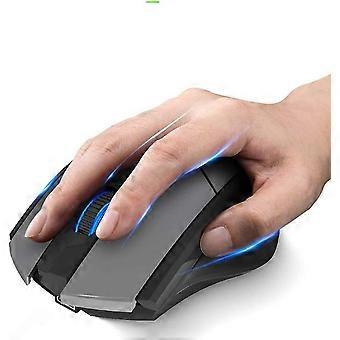
Description Automatic connection after switching, stable connection with a working distance of up to 10 meters. The Bluetooth wireless mouses silent design ensures clicks are quiet, reducing 80% compared to traditional computer mice. Our rechargeable Bluetooth mouse has a built-in battery that can be charged via a USB cable. The ergonomic style and soft, right-handed design provides your hand with good support for lasting comfort. 6 efficient keys. Bluetooth 3.0 mode works with Win 7/Win 8/Win 10/Android/Mac OS system. Bluetooth 5.0 mode works with Win 8/Win 10/Android/Mac OS systems. Upgraded Bluetooth 5.0/Bluetooth 4.0/USB 2.4G wireless mouse realized the ideal of one mouse to control three devices, which provides more convenience for people who use multiple devices. Whether its a Mac, Windows, Chrome OS, Android tablet, or switching between them, the mouse works flawless. Charging information: The blue light on the steering wheel is always on when charging, and the light turns off when the battery is full. The charging time is approx. 3 hours. Low voltage indicator: When the red light on the mouse wheel flashes, it indicates that the voltage is lowered and needs to be charged in time. System Requirements 2.4G wireless mode: Win XP / WIN7 / WIN8 / WIN10 or above Bluetooth 4.0 mode: Win XP / WIN7 / WIN8 / WIN10, Mac, Chrome OS, Android system Bluetooth 5.0 mode: WIN8/WIN10, Mac, Chrome OS, Android system (Bluetooth 5.0 does not support Win 7/XP) Note: IOS (iPad / iPhone) is supported but must be IOS 10.3 or later. How do I connect to Bluetooth mode Turn the power switch to Bluetooth mode Bluetooth 5.0 mode: (green light flashes slowly); Bluetooth 4.0 mode: (blue light flashes slowly) Press the Bluetooth pairing button for about three seconds. The power indicator will flash (Bluetooth 5.0: Green; Bluetooth 4.0: Blue) to indicate the mouse is in pairing mode. Search your devices for BT5.0 Mouse_Pro or BT4.0 Mouse and then click Match. The indicator light will turn off after pairing and the mouse can be used normally.
  • 品牌: Unbranded
  • 类别: 鼠标
  • Fruugo ID: 237237069-508346921
  • EAN: 9478423378180

产品安全信息

请参阅下面列出的特定于该产品的产品安全信息

以下信息由销售该产品的独立第三方零售商提供。

产品安全标签

CE Mark
安全警告: Not suitable for children under 36 months

配送 & 退货

在 2 天内发货

  • STANDARD: MYR52.49 - 之间的交付 周一 12 一月 2026–周二 20 一月 2026

从 中国 送货。

我们会争取将您订购的产品按照您的规格完整地配送给您。不过,万一您收到不完整的订单,或收到的产品与您订购的不同,或者有其他原因让您对订单不满意,您可以要求全部或部分退货,您将收到相应产品的全额退款。 查看完整的退货政策

产品合规详细信息

请参阅下面概述的针对该产品的合规性信息。

以下信息由销售该产品的独立第三方零售商提供。

制造商:
以下信息概述了在Fruugo销售的相关产品的制造商联系信息。

  • Shenzhen Quanqiulegou Supply Chain Co., Ltd
  • Shenzhen Quanqiulegou Supply Chain Co., Ltd
  • Room 603 Huajingleyuan,No. 163,Meibandadao,Minzhijiedao,Longhuaxinqu
  • Shenzhen
  • CN
  • 518000
  • qqlgfgo@yeah.net
  • 13590471039
  • https://www.fruugo.co.uk/search?merchantId=17651

欧盟负责人:
以下信息概述了欧盟负责人的联系信息。该负责人是位于欧盟的指定经济运营者,负责有关销售到欧盟的相关产品的合规义务。

  • SUCCESS COURIER SL
  • SUCCESS COURIER SL
  • CALLE RIO TORMES NUM. 1, PLANTA 1, DERECHA, OFICINA 3,Fuenlabrad a
  • Madrid
  • ES
  • 28947
  • successservice2@hotmail.com
  • 34910602659
  • https://www.fruugo.co.uk/search?merchantId=17651