描述
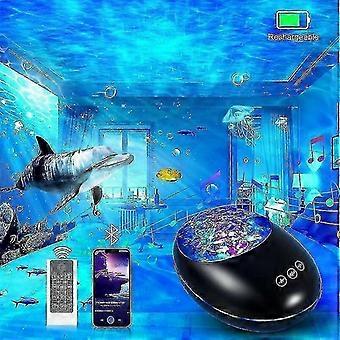
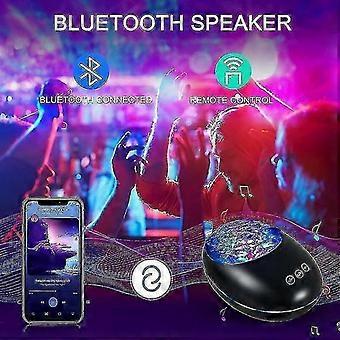
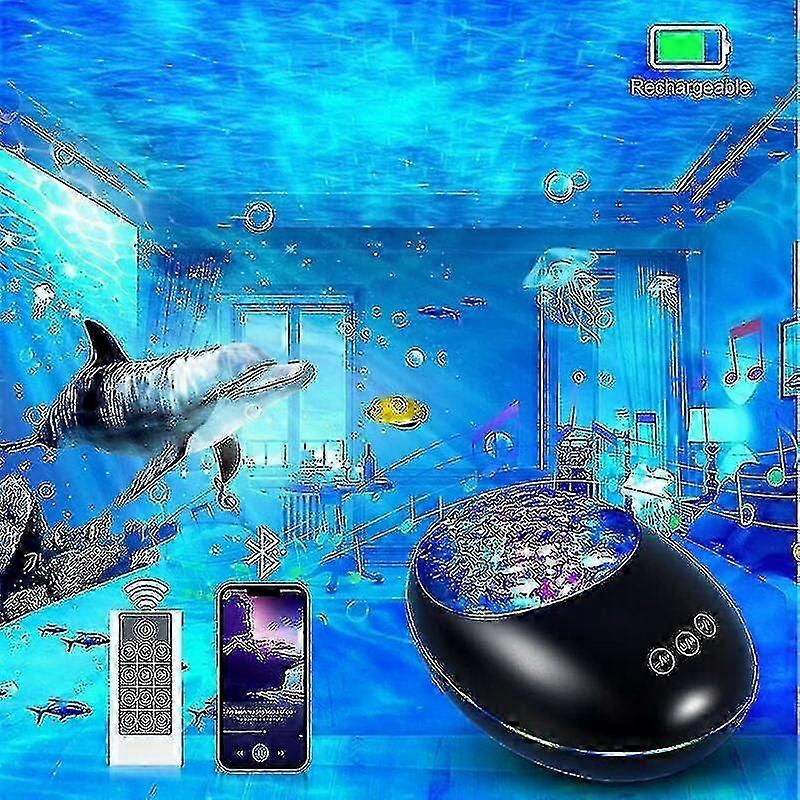
Bluetooth Projector Night Light with Remote, USB Rechargeable, 8 Color Modes & Nature Sounds, Timer Function, 8 Melodies, Compact Design
Product Model: HMT-T10
Material: ABS, AS, Hardware, Electronic Components
Package Includes: Host x 1, USB Cable x 1, o Cable x 1, Remote Control x 1, English Manual x 1
Power Supply: USB Cable Plug-in Host; Remote Control Requires 2 AAA Batteries (Not Included)
Bluetooth Version: 5.0
Voltage/Current: DC 5V/1A
Rated Power: 2W
Speaker Impedance: 4 Ohms, 3W
Frequency Response: 160Hz - 20kHz
Motor Specifications: 5V, 13 RPM, 0.5W
USB Cable Length: 1M
o Cable Length: 0.6M
Product Inspection: Qualified Product
Projection Height: 2.5 - 3 Meters
Coverage Area: 10 - 15 Square Meters
Product Dimensions: 16.5 x 11.9 x 9.5 cm
Package Dimensions: 17.2 x 12 x 12 cm
Net Weight: 300g
Gross Weight: 450g
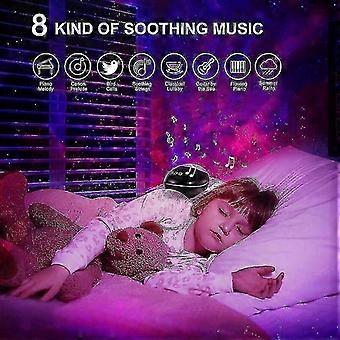
Built-in Tracks:
1. Put You to Sleep Day and Night
2. Version Cannon Wind Chime
3. Compatible Birds Chirping
4. Maiden's Prayer
5. Lullaby
6. First Time I Listen to the Sea
7. The Silence of Prosperity
8. The Reed Fire, the Rain and the Wind
Colorful Light Modes:
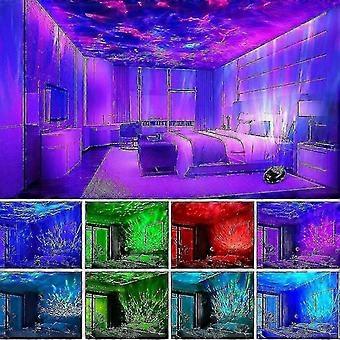
1. Red, Blue, and Green Lights On (Romantic Atmosphere)
2. Red & Green, Red & Blue, Blue & Green – Two-Color Slow Flashing (Colorful Effect)
3. Red and Blue Lights On (Purple Atmosphere)
4. Blue Light On (Blue Ocean)
5. Green Light On (Green Aurora Borealis)
6. Red, Blue, and Green Cycle (Magic Space)
7. Red, Blue, and Green Flashing Cycle (Ballroom Effect)
8. Ambient Light Mode
Operating Instructions:
1. Press the power button on the bottom of the device to turn it on or off.
2. When powered on, the built-in mood light will gradually illuminate.
3. Press and hold the power button to activate the product; lighting mode 1 will turn on with lullaby music, and ambient light will turn off.
4. To change the lullaby, use the remote control or press the up/down buttons on the host.
5. When a TF card or external Bluetooth/ o source is connected, the built-in lullaby will automatically turn off.
6. The host and remote control functions are disabled when an external o source is connected.
7. Press the touch "+" and "-" buttons to switch songs; long press to adjust volume.
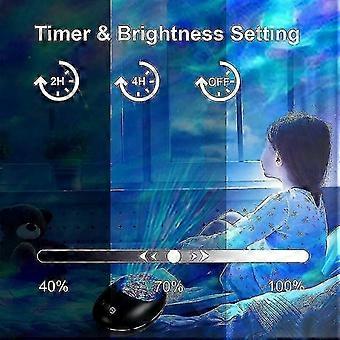
8. Press the H2 or H4 button on the remote control to set the device to automatically power off after 2 or 4 hours.
9. Press the designated button on the remote to cancel the timer function or switch to Bluetooth mode.
10. In Bluetooth mode, connect your mobile device to play music. Use the MUSIC button on the remote to enable Bluetooth. Device Name: HMT-01.
11. Long press the touch power button to turn off; the ambient light will gradually illuminate. Short press buttons 1–7 to select projection modes; press 8 for ambient light mode.
Note: Product appearance may vary slightly due to design updates, including color variations in light lines on the cover. All functional features remain the same.
-
Fruugo ID:
412984933-873009450
-
EAN:
6427244824676