描述
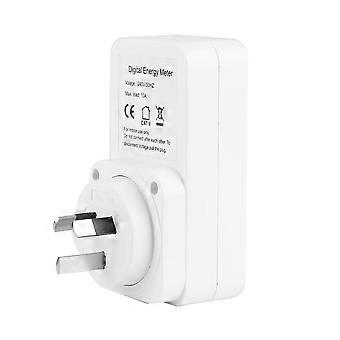
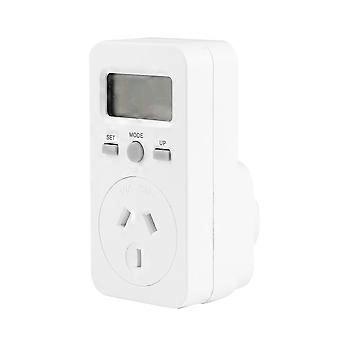
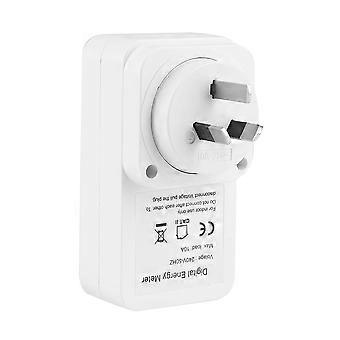
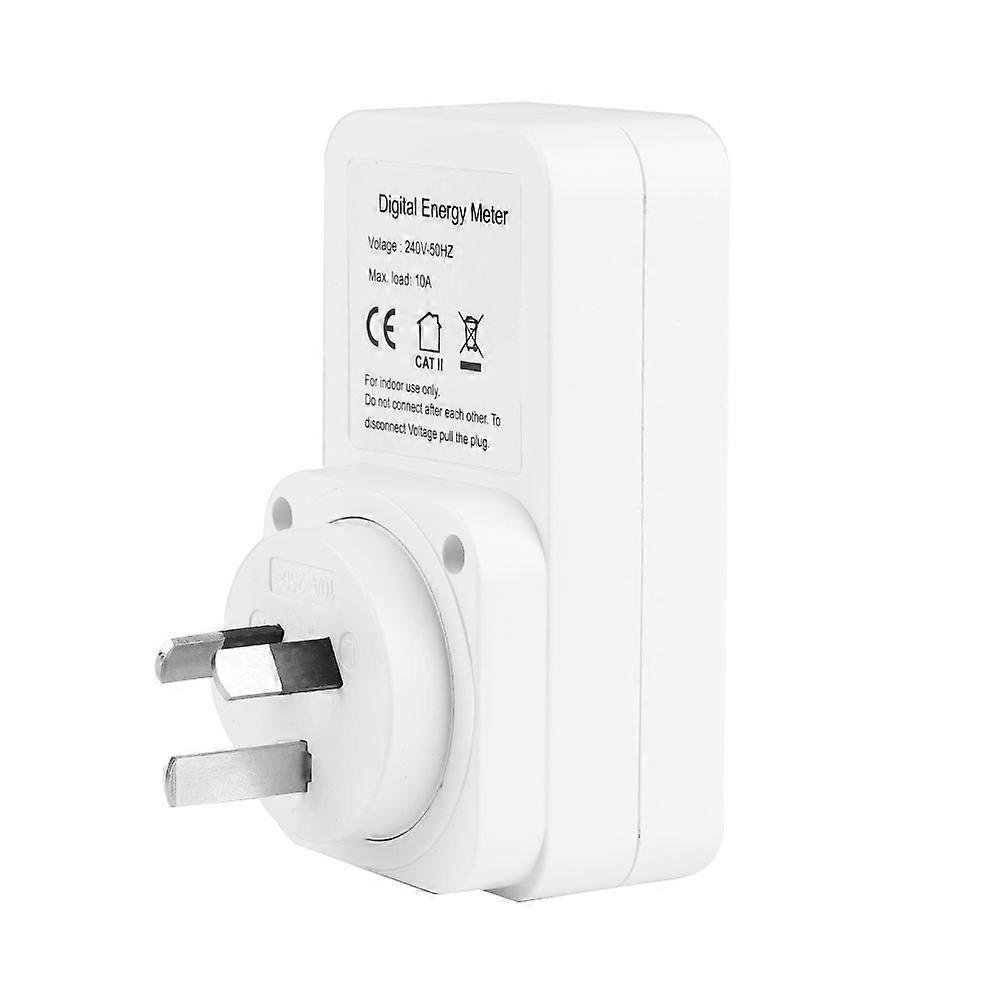
Digital Multifunction Energy Metering Socket Power Voltage Meter Monitor 100-240V (SAA)
1、Made of ABS material, durable and easy to use. Power and cost can be easily measured.
2、An electronic instrument for testing that can determine the total power, electricity consumption and cost of an electrical appliance connected to it.
3、Just plug the meter into the wall and plug the device into the socket.
4、Display current power. Display and store the accumulated power.
5、Display and memory total price of electricity.
Features:
1. Made of ABS material, durable and easy to use. Power and cost can be easily measured.
2. An electronic instrument for testing that can determine the total power, electricity consumption and cost of an electrical appliance connected to it.
3. Just plug the meter into the wall and plug the device into the socket.
4. Display current power. Display and store the accumulated power.
5. Display and memory total price of electricity.
Specifications:
Material: ABS
Standard: USS, VDE, BS, SAA (optional)
Power: 240V - 50Hz
Maximum load: 10A, 2400W
Minimum power display:
0.1W
Measuring power accuracy: ±2% or ±2W (0-100W); ±2% (100-3680W)
Power accuracy: ±2%
Power display:
0.01KWH
Accumulative charge range:
0.00-
9999.9KWH
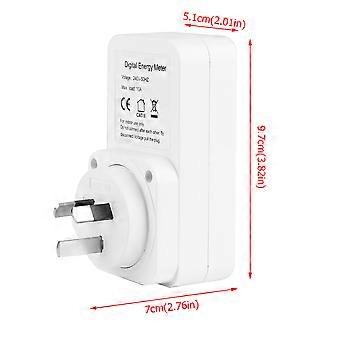
Size: Approx.
9.7 *
5.1 * 7 cm /
3.6 * 2 *
2.8 in
Package Include:
1 x Socket
1 x Instruction Book
Operation:
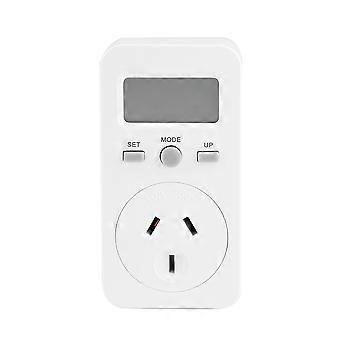
Press the MODE button to display the data: W - KWH - PRICE - COST/KWH
Plug in the socket and turn on the power, the meter will display the actual power.
Press the MODE button again to release, and the meter will display the accumulated KWH.
Press the MODE button again and loosen, the meter will display the total power.
Press the MODE button again and loosen. The meter will display the COST/KWH setting COST/KWH price.
During the display of COST/KWH, press the SET button, the first digital COST/KWH flashlight, and press the UP button for setting.
Press the SET button again and release, the second digital COST/KWH flashlight. Press the UP button for setting.
Press the SET button again and release, the third COST/KWH flashlight. Press the UP button for setting.
Press the SET button again and release, the fourth COST/KWH flashlight. Press the UP button for setting.
Press the SET button again and release, the decimal point COST/KWH flashes, and press the UP button for setting.
Hold the MODE button for 5 seconds to clear the KWH, PRICE, and COST/KUH data.
Note:
Do not plug two or more plugs together!
Do not insert equipment loaded with more than 16 amperes.
Always ensure that the plug of any device is fully plugged into the meter socket.
If you need to clean the meter, remove it from the main power supply and wipe it with a dry cloth.
-
Fruugo ID:
361831037-786373246
-
EAN:
9064571650713