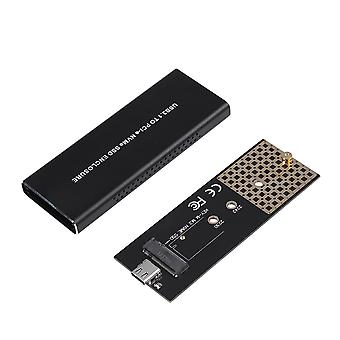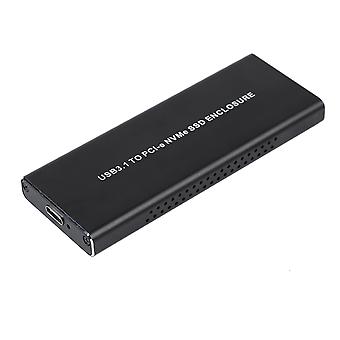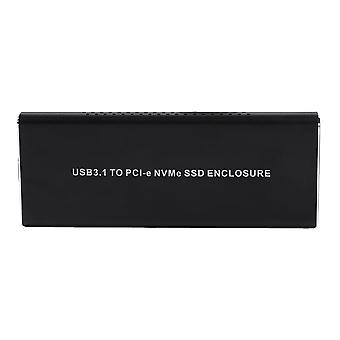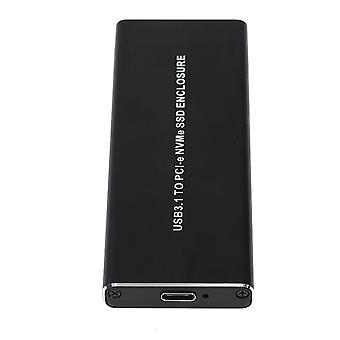
External NVME M.2 to Type C3.1 Mobile Hard Disk Box HDD Enclosure Black

MYR139.00
免费送货

External NVME M.2 to Type C3.1 Mobile Hard Disk Box HDD Enclosure Black

  • 品牌: Unbranded

External NVME M.2 to Type C3.1 Mobile Hard Disk Box HDD Enclosure Black

  • 品牌: Unbranded
建议零售价: MYR249.00
价格: MYR139.00
您节省了: MYR110.00 (44%)
由……售出:
MYR139.00
免费送货

有货

14天退货政策

付款方式:

描述

External NVME M.2 to Type C3.1 Mobile Hard Disk Box HDD Enclosure Black

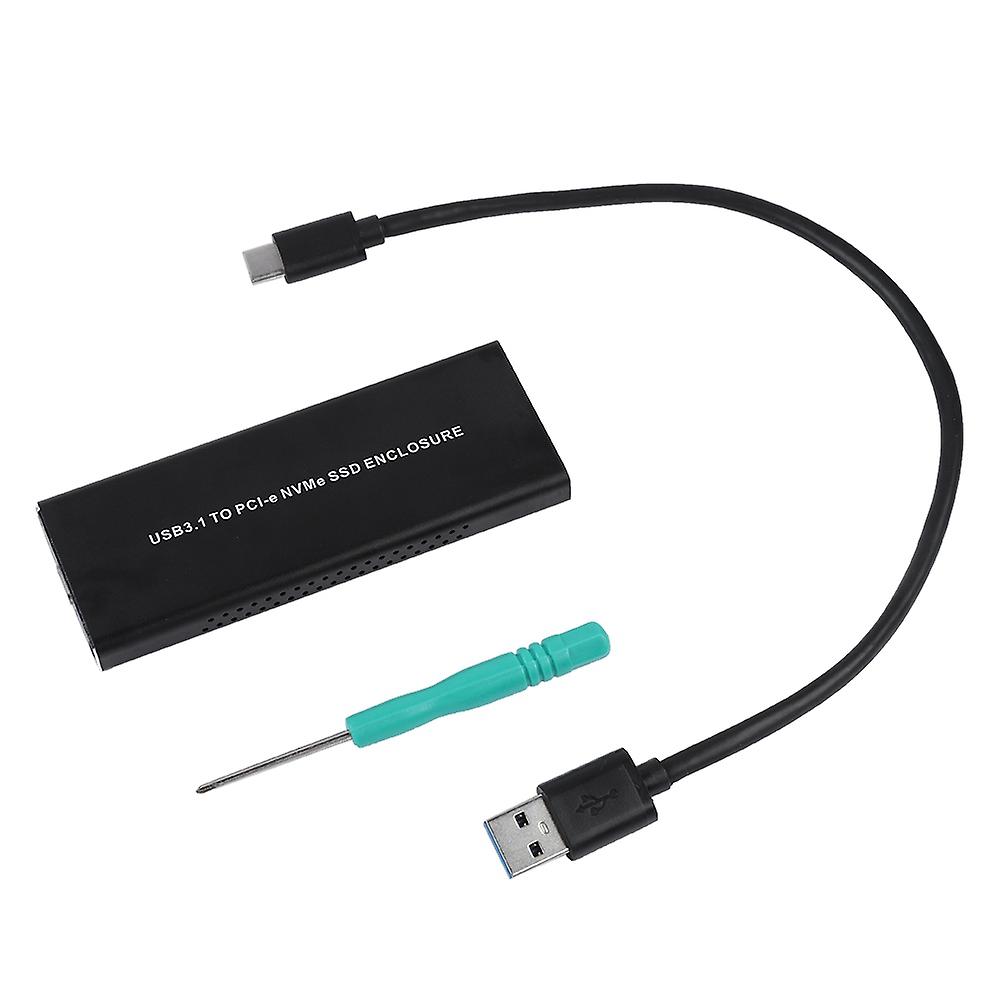
Features 1、USB3.1 Type-C to NVMe M.2 HDD Enclosure - Its performance has been improved several times, which can greatly reduce the delay and greatly reduce the power consumption. 2、TYPE-C interface for strong compatibility. 3、Aluminum alloy casing and both sides of the through-hole design - For beautiful appearance and greatly enhances the heat dissipation effect. 4、Support hot swap - Driver-free, easy to use. 5、With indicator for easy control. Specification This product is suitable for M.2 SSDs of PCI-E (M-KEY) interface, and the PCI-E interface implements the NVMe protocol standard. All currently available on the market only support PCI-E type M.2 hard disk, does not support M.2 hard disk under SATA protocol. Features: USB3.1 Type-C to NVMe M.2 HDD Enclosure - Its performance has been improved several times, which can greatly reduce the delay and greatly reduce the power consumption. TYPE-C interface for strong compatibility. Aluminum alloy casing and both sides of the through-hole design - For beautiful appearance and greatly enhances the heat dissipation effect. Support hot swap - Driver-free, easy to use. With indicator for easy control. Comfortable using experience and long service life. Specification: Type: USB3.1 Type-C to NVMe M.2 HDD Enclosure Protocol: NVMe Connector: TYPE-C Weight: Approx. 101g Package list: 1 * HDD Enclosure 1 * Data Cable 1 * Screwdriver Installation Steps: 1. Fasten the rear flap to the rear of the casing and lock the screws. 2. Insert the NVMe hard disk into the interface and flatten it at the end of the board. 3. Clamp the metal copper column to the bottom of the SSD, insert the corresponding hole in the PCB board, and lock it with the fixed screw. 4. Insert the adapter plate with the fixed SSD into the outer casing clock, and fasten the front blank correspondingly, then lock it with the screws.
  • Fruugo ID: 354038429-770204224
  • EAN: 9141500061267

产品安全信息

请参阅下面列出的特定于该产品的产品安全信息

以下信息由销售该产品的独立第三方零售商提供。

产品安全标签

CE Mark
安全警告: Please do not allow your child to handle this product alone to avoid swallowing or other injuries; adult supervision is recommended.

配送 & 退货

在 24 小时内发货

  • STANDARD: 免费 - 之间的交付 周二 06 一月 2026–周一 12 一月 2026 - 免费

从 中国 送货。

我们会争取将您订购的产品按照您的规格完整地配送给您。不过,万一您收到不完整的订单,或收到的产品与您订购的不同,或者有其他原因让您对订单不满意,您可以要求全部或部分退货,您将收到相应产品的全额退款。 查看完整的退货政策

产品合规详细信息

请参阅下面概述的针对该产品的合规性信息。

以下信息由销售该产品的独立第三方零售商提供。

制造商:
以下信息概述了在Fruugo销售的相关产品的制造商联系信息。

  • Shenzhen Desheng Network Technology Co., Ltd
  • Shenzhenshi Desheng Wangluo Keji Youxian Gongsi
  • NO,606-23-220,MeinianGuojiGuangChangZhaoshangJiedaoNanHaidadao yixi
  • Meinian International Plaza, Zhaoshang Street
  • Nanshan District
  • Shenzhen
  • CN
  • 518000
  • GoodLuck856@163.com
  • 8613164761511

欧盟负责人:
以下信息概述了欧盟负责人的联系信息。该负责人是位于欧盟的指定经济运营者,负责有关销售到欧盟的相关产品的合规义务。

  • SINO-SEAR GmbH
  • SINO-SEAR GmbH
  • Feuerbachstrasse 11
  • Potsdam
  • DE
  • 14471
  • info@sino-scar.com
  • 4933195130908