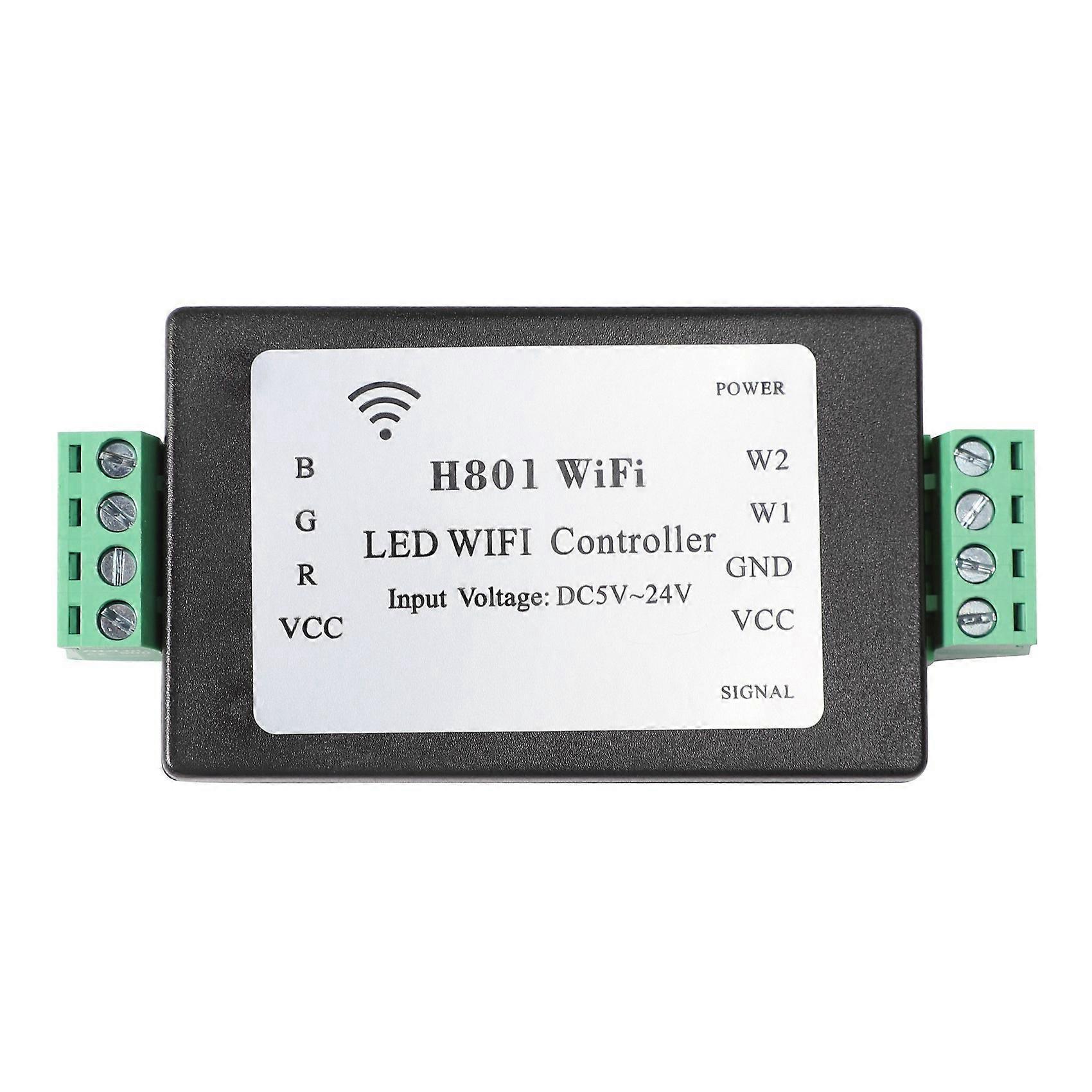
H801 RGBW LED WIFI Controller LED RGB Controller DC5-24V Input for 5050 2835 3528 SMD Light Tape Ri

MYR59.00
+ MYR5.49 送货

H801 RGBW LED WIFI Controller LED RGB Controller DC5-24V Input for 5050 2835 3528 SMD Light Tape Ri

  • 品牌: Unbranded

H801 RGBW LED WIFI Controller LED RGB Controller DC5-24V Input for 5050 2835 3528 SMD Light Tape Ri

  • 品牌: Unbranded
价格: MYR59.00
由……售出:
MYR59.00
+ MYR5.49 送货

有货

我们接受以下付款方式

描述

H801 RGBW LED WIFI Controller LED RGB Controller DC5-24V Input for 5050 2835 3528 SMD Light Tape Ri

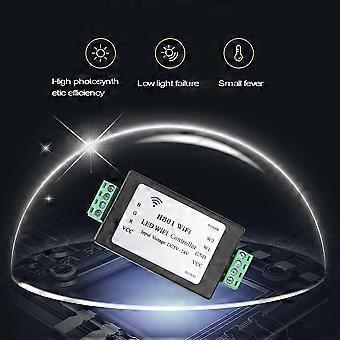
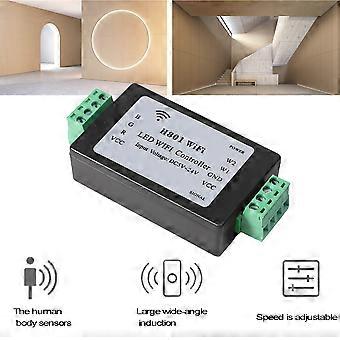
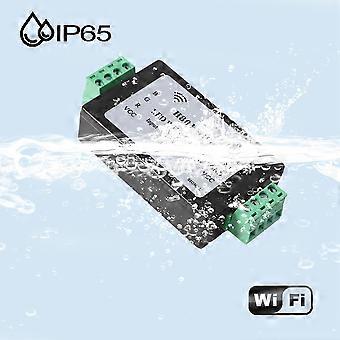
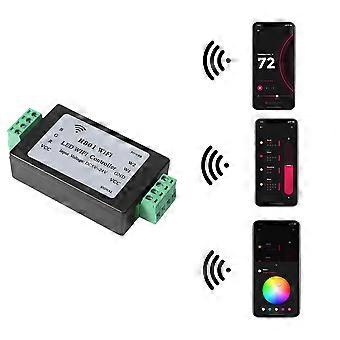
Connect and control .Output RGBWW, 5 PWM data.Refresh frequency is 500HZ, support 802.11 b/g.Support for non-encrypted networks and WPA, WPA2 encryption network Fast transmission, response sensitive.H801WiFi can be controlled separately.Multiple phones can control H801WiFi simultaneously.Built-in dozens of effects.Automatic connection function.In addition to driving RGB , you can also control the following LED Driver IC:LPD6803, LPD1882, LPD1889, DMX512, APA102, UCS6909, UCS6912, UCS1903, UCS1909, UCS1912, WS2811, INK1003, TM1812, TM1809,TM1804 Usage( Connect phone to H801WiFi ):Step 1: Power on H801WiFi, install "LED Dimmer" and create shortcut. Duplicate LEDDimmer.apk to phone and click to install, long press the and drag it to home screen. : Turn on WiFi;Power on H801WiFi, click phone pull-down , click settings, turn on WLAN, then and click "HCX_******", password is "88888888", enter password and click connect. The pop-up indicates WiFi is connected. Step 3: Run LED Dimmer: Click LED Dimmer, up the following operation interface, slide on color wheel, the light will change with the color accordingly. Click the button in the middle, the lights will be off. Click the effect dialog, there are many effects to . Click --Color Rod to set the brightness of each color and playing speed. Step 4: Connect to router If you your phone can both surf the internet and control lights, you must connect H801WIFI to router, the following is the procedure. (1)Install LEDDimmer.apk, and turn on WIFI. (2)Click -- "Router", click "WLAN AP", the right router, and enter password, then click "link". All H801WIWI that can communicate with phone has been connected to router. Connect your phone to router too, after connected, your phone can both surf the internet and control H801WIFI. Specification: Power Supply: DC Connecting Model: WLAN Oscillation Frequency: 500Hz Controlled : WIFI Control, Android Smart Phone Input Voltage: DC 5V~24V Load Power: 96W Channel Power: 0.5W Frequency: 500Hz Remote Distance (.): 10m Output: 5 PWM, each route 4A Colour:Black Material:plastic Size:93*46*20mm Package Contents: 1 x LED WiFi Controller Only the above package content, other products are not included. Note: Light and different displays may cause the color of the item in the picture a little different from the real thing. The measurement allowed error is +/- 1-3cm.
  • Fruugo ID: 210980859-449688454
  • EAN: 4713081474726

产品安全信息

请参阅下面列出的特定于该产品的产品安全信息

以下信息由销售该产品的独立第三方零售商提供。

安全警告: Not suitable for children under 36 months. Choking Hazard. Adult supervision recommended

配送 & 退货

在 3 天内发货

  • STANDARD: MYR5.49 - 之间的交付 周五 19 十二月 2025–周五 26 十二月 2025

从 中国 送货。

我们会争取将您订购的产品按照您的规格完整地配送给您。不过,万一您收到不完整的订单,或收到的产品与您订购的不同,或者有其他原因让您对订单不满意,您可以要求全部或部分退货,您将收到相应产品的全额退款。 查看完整的退货政策

产品合规详细信息

请参阅下面概述的针对该产品的合规性信息。

以下信息由销售该产品的独立第三方零售商提供。

制造商:
以下信息概述了在Fruugo销售的相关产品的制造商联系信息。

  • Hui Zhou Shi Hui Tong Ke Ji You Xian Gong Si
  • Hui Zhou Shi Hui Tong Ke Ji You Xian Gong Si
  • Hui Cheng Qu Feng Shan Lu 28hao Hong Yi Yun Gu Chan Ye Yuan 6605
  • Hui Zhou Shi
  • China
  • 516000
  • sunshinrice@outlook.com
  • 13670047506
  • https://www.fruugo.co.uk/search/?merchantId=17397

欧盟负责人:
以下信息概述了欧盟负责人的联系信息。该负责人是位于欧盟的指定经济运营者,负责有关销售到欧盟的相关产品的合规义务。

  • 0utong GmbH
  • 0utong GmbH
  • Brehmstr, 56,40239 Duesseldorf
  • Brehmstr
  • Germany
  • 40239
  • info@outong.de
  • 4921131054698