Description
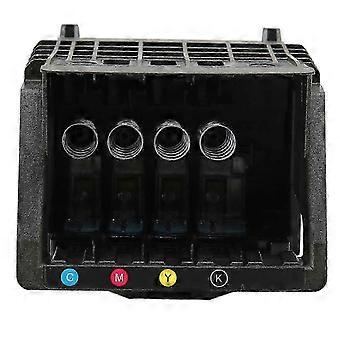
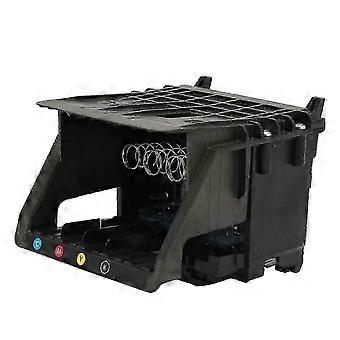
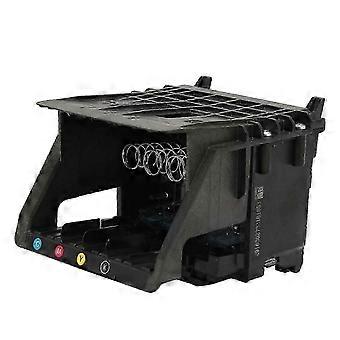
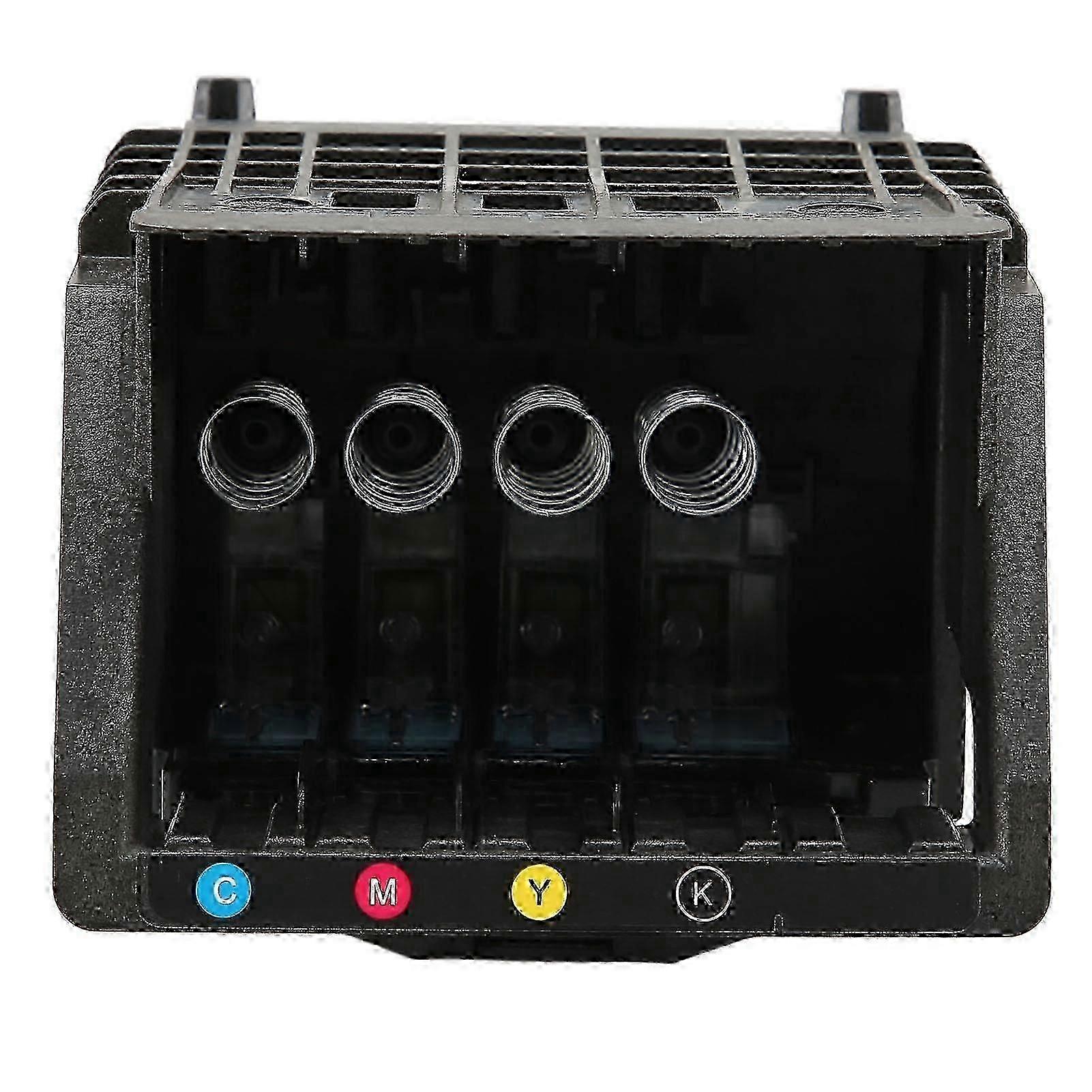
HP OfficeJet Pro printhead replacement for 7740 7730 7720
Description
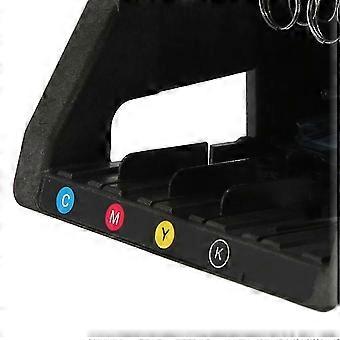
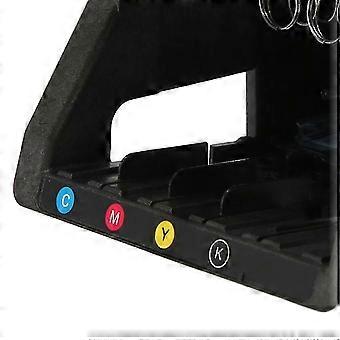
952 953 954 955 Printhead Replacement Parts for HP OfficeJet Pro 7740 7730 7720 8210 8710 8730 8740 8216 8720 8725Feature:1. Material: Premium 952 printhead housing is made of high quality ABS which is more abrasion resistant and has been tested many times to ensure printhead performance and keep your printer running smoothly.2. Compatible Models: Compatible with for hp office Jet 7740 7730 7720 8210 8710 8730 8740 8216 8720 8725.3. High Performance: Upgrade 952 print head chip, identify ink cartridges faster, print head ink jet smoothly, protect the printer, print clear, bright colors, make your life colorful.4. Easy Installation: This printhead kit contains only one printhead, no other accessories or extra tools are needed, just push the printhead to complete the installation, saving time.5. Note: Be careful when installing the nozzle, be sure to cut off the power before putting it away.Specification:Item Type: Print HeadProduct Material: ABSApplicable: For HP OfficeJet Pro 7740 7730 7720 8210 8710 8730 8740 8216 8720 8725.Package List:1 x Print HeadNote:Solution for incompatibility: Reset the printer, follow the steps below to reset the printing device. Turn on the printer (if not already turned on). Wait for the printer to come to a complete standstill before continuing. After turning on the printer, disconnect the power cord from the back of the printer. Unplug the power cord from the wall outlet. Wait at least 60 seconds. Plug the power cord back into the wall outlet. NOTE: for HP recommends plugging the printer power cord directly into a wall outlet. Reconnect the power cord to the back of the printer. Turn on the printer (if not already turned on automatically). The printer may take a while to warm up. The printer lights might be blinking, and the carriage might move. Wait for the printer to warm up and come to a complete standstill before proceeding. If the above methods cannot solve the compatibility problem, you need to replace the original ink cartridge and ink.
-
Fruugo ID:
436845658-915582300
-
EAN:
9589345327573
Product Safety Information
Please see the product safety information specific to this product outlined below
The following information is provided by the independent third-party retailer selling this product.
Product Safety Labels

Safety Warnings:
Important Safety Instructions
Read Before Use: Please read all instructions and safety warnings before using this product. Failure to follow these guidelines may result in injury, damage, or malfunction.
General Warnings
Intended Use: Use this product only for its intended purpose as described in the user manual.
Supervision Required: This product is not intended for use by children or persons with reduced physical, sensory, or mental capabilities without supervision.
Inspection Before Use: Check for any signs of damage or wear before use. Do not use if damaged.
Delivery & Returns
Dispatched within 24 hours
Shipping from China.
We do our best to ensure that the products that you order are delivered to you in full and according to your specifications. However, should you receive an incomplete order, or items different from the ones you ordered, or there is some other reason why you are not satisfied with the order, you may return the order, or any products included in the order, and receive a full refund for the items. View full return policy