描述
jixopn Sensitive Pencil for compatible with Microsoft Surfaceicrosoft Surface Pro 3 4 5 6 7 8 Universal Write Pen Notebook Bluetooth-Compatible
Sensitive Stylus Pencil for compatible with Microsoft Surfaceicrosoft Surface Pro 3 4 5 6 7 8 Laptop Write Pen Notebook Bluetooth-Compatible with Screenshot Paint Accessory
Feature:
Bluetooth-compatible connection. There is no need to worry about the connection problem, once set, you can automatically connect to the tablet through Bluetooth-compatible.
4096 pressure sensing. For Surface Pen supports a maximum pressure sensing level of 4096 with 4096 pressure points, providing you with a unique drawing experience and instant response to accurately copy text without delay.
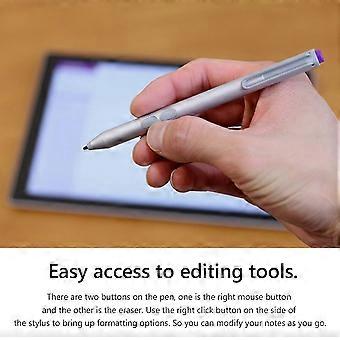
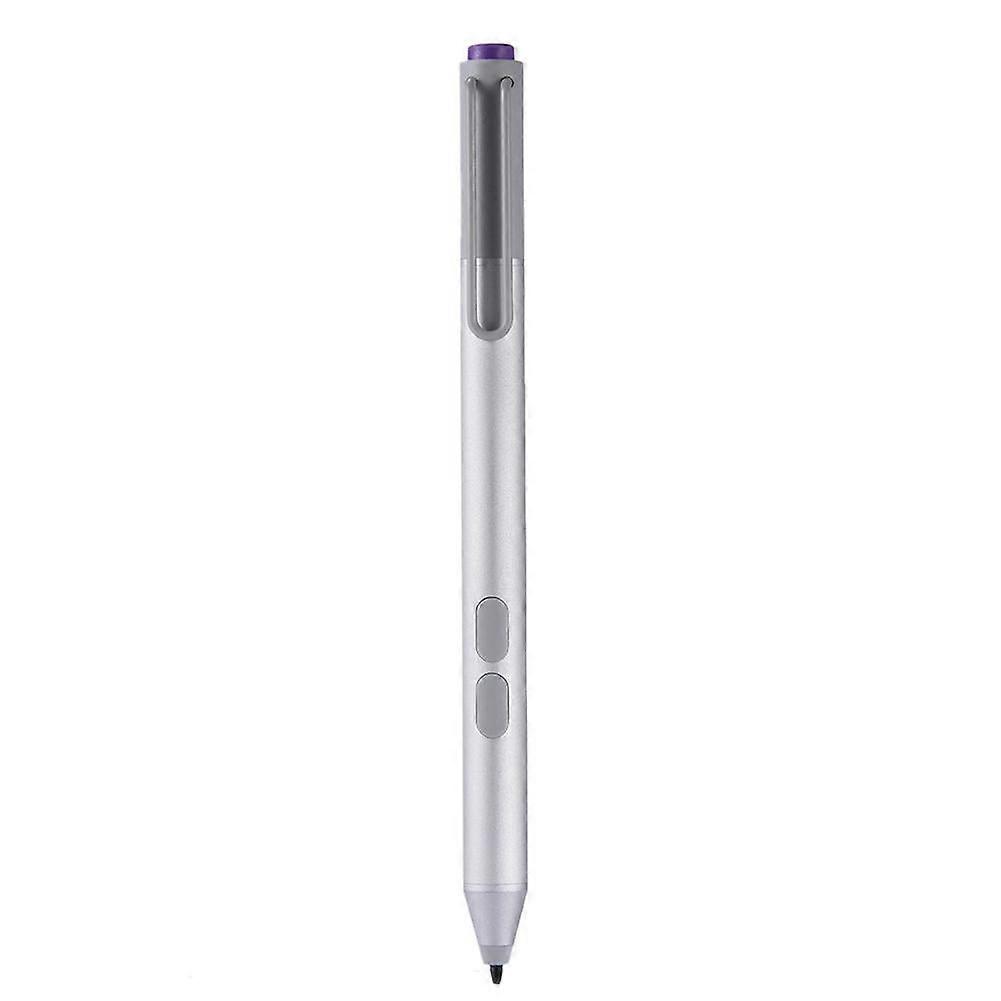
Easy access to editing tools. There are two buttons on the pen, one is the right mouse button and the other is the eraser. Use the right click button on the side of the stylus to bring up formatting options. So you can modify your notes as you go.
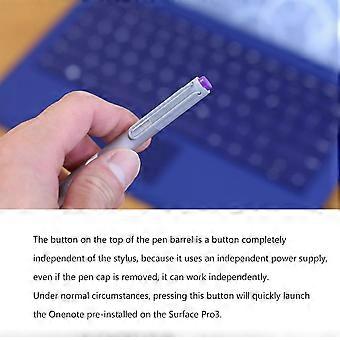
Long press the pen cap to pair, double click to cut the picture. Hold down and hold down for 10 seconds. When the yellow indicator blinks, tap match in system setting-Bluetooth-compatible Device. Click the purple button to call out onenote. Double-click the button to call out Onenote
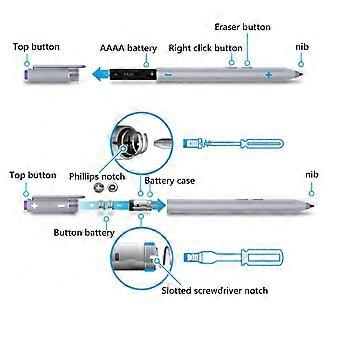
Humanized button, convenient productivity. The upper part is the right button, which can realize the right mouse button function; The lower part is eraser delete button, which can realize eraser and delete function in supported software
Specification:
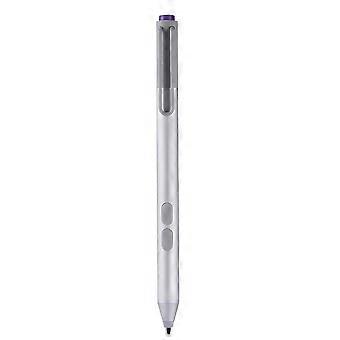
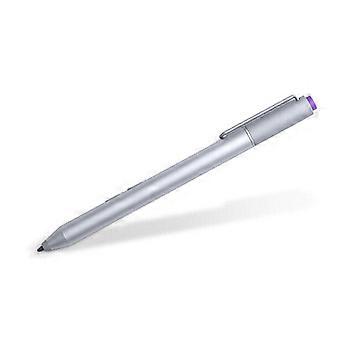
Color: Silver
Material: aluminum case
Pressure sensing: 4096 grade pressure sensing
Connectivity: Bluetooth-compatible 4.0
Button: Right click and clear
Battery: 2 button batteries; 1 AAAA battery
Function: Support bluetooth-compatible connection and screen capture with eraser deletion function
Size: Diameter: 9.5mm/0.37in; Length: 135 mm/5.3in + / - 1 mm
Weight: 20 g
Applicable model:
For compatible with Microsoft Surfaceicrosoft Surface 3
For compatible with Microsoft Surfaceicrosoft Surface Pro 3
For compatible with Microsoft Surfaceicrosoft Surface Pro 4
For compatible with Microsoft Surfaceicrosoft Surface Pro 5
For compatible with Microsoft Surfaceicrosoft Surface Pro 6
For compatible with Microsoft Surfaceicrosoft Surface Pro 7
For compatible with Microsoft Surfaceicrosoft Surface Pro 8
For compatible with Microsoft Surfaceicrosoft Surface Pro X
For compatible with Microsoft Surfaceicrosoft Surface Book1/2/3
For compatible with Microsoft Surfaceicrosoft Surface Laptop1/2/3/4
For compatible with Microsoft Surfaceicrosoft Surface Studio
For compatible with Microsoft Surfaceicrosoft Surface Go1/Go2/Go3
Note:
Due to the different monitor and light effect, the actual color of the item might be slightly different from the color showed on the pictures. Thank you!
Please allow 1-2cm measuring deviation due to manual measurement.
Included:
1 x Stylus Pencil
Bluetooth-compatible connection. There is no need to worry about the connection problem, once set, you can automatically connect to the tablet through Bluetooth-compatible.
4096 pressure sensing. For Surface Pen supports a maximum pressure sensing level of 4096 with 4096 pressure points, providing you with a unique drawing experience and instant response to accurately copy text without delay.
Easy access to editing tools. There are two buttons on the pen, one is the right mouse button and the other is the eraser. Use the right click button on the side of the stylus to bring up formatting options. So you can modify your notes as you go.
Long press the pen cap to pair, double click to cut the picture. Hold down and hold down for 10 seconds. When the yellow indicator blinks, tap match in system setting-Bluetooth-compatible Device. Click the purple button to call out onenote. Double-click the button to call out Onenote
Humanized button, convenient productivity. The upper part is the right button, which can realize the right mouse button function; The lower part is eraser delete button, which can realize eraser and delete function in supported software
-
品牌:
Unbranded
-
类别:
触控笔
-
大小:
size
-
颜色:
color
-
Fruugo ID:
448162799-941946318
-
EAN:
9114532437485