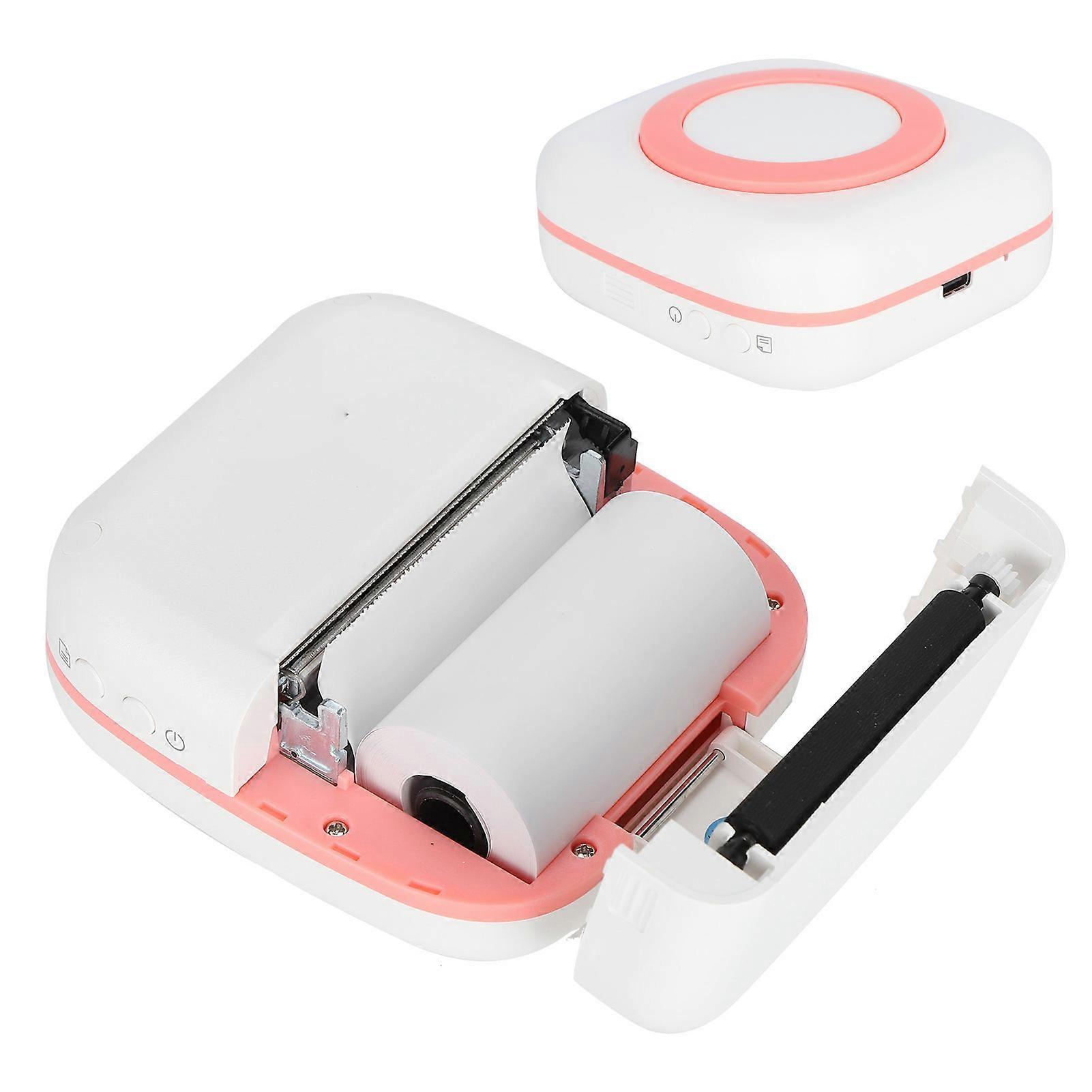
Mini Printer 200DPI Portable 8.8x8.5x3.7cm Type-C 800mAh Pink

RM179.00
+ RM21.99 Shipping

Mini Printer 200DPI Portable 8.8x8.5x3.7cm Type-C 800mAh Pink

  • Brand: Unbranded

Mini Printer 200DPI Portable 8.8x8.5x3.7cm Type-C 800mAh Pink

  • Brand: Unbranded
RRP: RM289.00
Price: RM179.00
You save: RM110.00 (38%)
Sold by:
RM179.00
+ RM21.99 Shipping

In stock

14-Day Returns Policy

Payment methods:

Description

Mini Printer 200DPI Portable 8.8x8.5x3.7cm Type-C 800mAh Pink

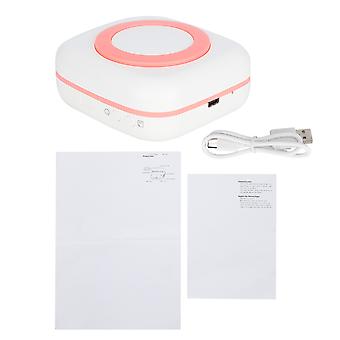
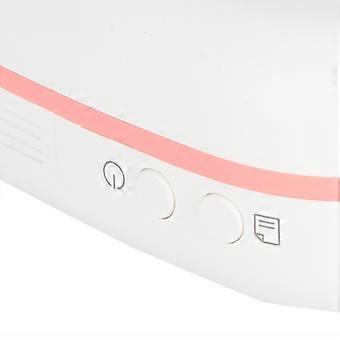
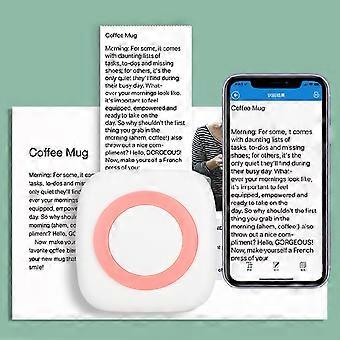
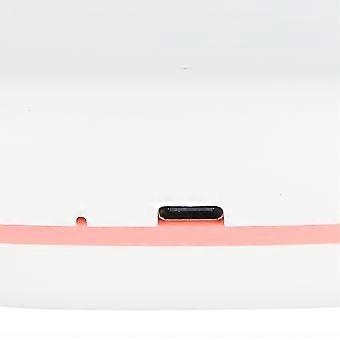
Mini Printer 200DPI Portable 8.8x8.5x3.7cm TypeC Thermal Printing Device with 800mAh Battery(Pink ) Item Type: Mini Printer Material: ABS Product Size: Approx. 8.8x8.5x3.7cm / .3.5x3.3x1.5in (Manual Measurement, There May Be Slight Errors) Printing Parameters: 200DPI Printing Method: Thermal Inkless Black And White Printing Battery Type: Lithium Battery (Shipped With Built-In Battery) Battery Model: 18650 Battery Capacity: 800mAh APP: EDraw Charging Time: 2-3 Hours Input: 5V/1A Charging Port: Type-C Applicable Printing Paper: Approx. 57x30mm / 2.2x1.2in Connection Method: Bluetooth Wireless, Inkless Black And White Printing How e: 1. Use the Wizard: Press and hold the key for 2 seconds to turn on/off Steady on: standby, charging is complete Fast Flashing: Insufficient consumables, print head overheating, low battery Slow Flashing: Charging 2. Paper Eject Key: press and hold to eject paper; let go to stop ejecting paper. 3. Charging: Before turning on the machine for the first time, please plug in the USB cable to connect the 5V/A adapter, adapter or computer for charging. We recommend using it after fully charged. Under normal circumstances, the indicator light flashes slowly when charging, and the full indicator light is always on. If the indicator light keeps flashing fast while charging, please check if the device is out of paper, and check if the charging is normal after installing the printing paper. 4. The user downloads eDraw, after downloading, turn on the Bluetooth of the mobile phone, and then open the APP to allow the application to obtain the relevant permissions of the mobile phone, register and log in to the account. You can print after connecting the device successfully. 5. Replace the Printing Paper: 1. Open the flip cover. 2. When replacing the printing paper, insert the printing paper. The printing paper can be self-adhesive, ten-year paper, photo paper, multi-color paper or marking paper. Please pay attention to the direction of the printing paper when replacing it. Note that the new thermal paper needs to be exposed to a length of more than 1cm in the paper bin, so that the machine can automatically suck paper when the paper bin is loaded. 3. Close the lid. Note: When replacing the paper after printing, do not touch the print head to prevent burns.
  • Fruugo ID: 413696644-874262900
  • EAN: 3751337732696

Delivery & Returns

Dispatched within 24 hours

  • STANDARD: RM21.99 - Delivery between Wed 21 January 2026–Fri 30 January 2026

Shipping from China.

We do our best to ensure that the products that you order are delivered to you in full and according to your specifications. However, should you receive an incomplete order, or items different from the ones you ordered, or there is some other reason why you are not satisfied with the order, you may return the order, or any products included in the order, and receive a full refund for the items. View full return policy

Product Compliance Details

Please see the compliance information specific to this product outlined below.

The following information is provided by the independent third-party retailer selling this product.

Manufacturer
The following information outlines the contact details for the manufacturer of the relevant product sold on Fruugo.

  • shenzhenshijiangjunfudianzishangwuyouxiangongsi
  • shenzhenshijiangjunfudianzishangwuyouxiangongsi
  • BantianjiedaoxiangjiaotangshequzhonghaogongyechengC2dongwuceng505
  • Longgangqu
  • Shenzhenshi
  • Guangdongsheng
  • China
  • 518000
  • Wallace22578@outlook.com
  • +8613084447403

Responsible Person in the EU
The following information outlines the contact information for the responsible person in the EU. The responsible person is the designated economic operator based in the EU who is responsible for the compliance obligations relating to the relevant product sold into the European Union.

  • SUCCESS COURIER SL
  • SUCCESS COURIER SL
  • CALLE RIO TORMES NUM.1.PLANTA 1,DERECHA.OFICINA3.Fuenlabrada.
  • Madrid
  • Spain
  • 28947
  • successservice2@hotmail.com
  • +34910602659