描述
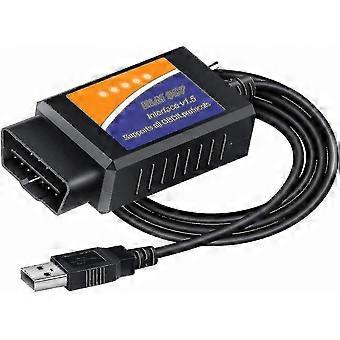
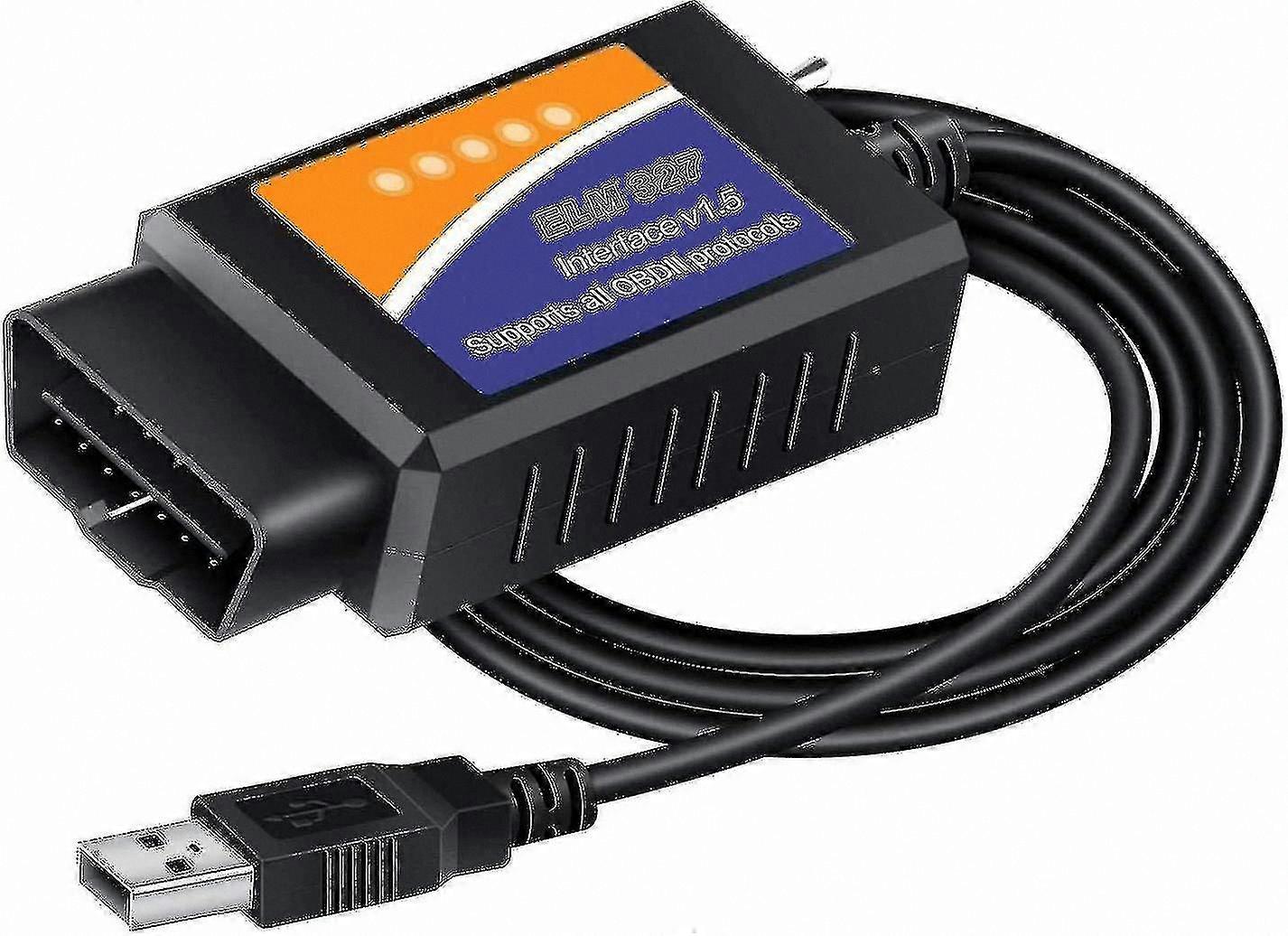
OBD2 USB Adapter for Windows, Diagnostic Tool with MS-CAN/HS-CAN Switch for , Lincoln, Vehicles
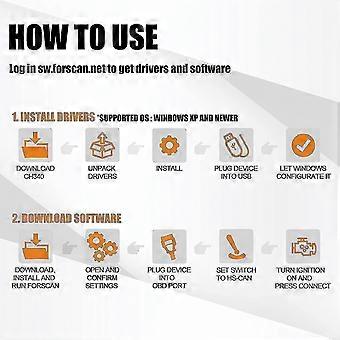
Please install the USB DRIVER & FORScan software before connecting the device to the vehicle. If you cannot access the software download link, contact the seller for assistance.
Instructions for Use
1. After receiving the product, connect the USB interface to a computer (compatible with Windows systems only).
2. Visit the website sw.forscan.net as indicated in the manual and download the USB driver [CH340] and FORScan software (PC Software - FORScan).
3. During use, connect the 16-pin interface to the vehicle's OBD2 port and the USB to the computer.
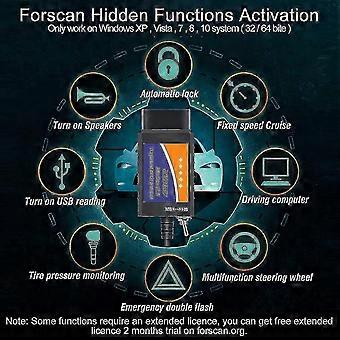
4. Some FORScan functions may require an extended license. A free 2-month trial of the extended license is available through forscan.org.
Note:
If using Windows 10 and the adapter does not function properly, follow these compatibility steps:
Step 1: Disable antivirus and firewall temporarily. Right-click the FORScan icon on the desktop, select Properties, go to Compatibility, select "Windows 7", then apply and save.
Step 2: Right-click the FORScan icon again, choose "Run as Administrator", then connect the cable to the laptop and turn the car ignition to ON for testing.
The FORScan ELM327 is a compact diagnostic tool designed for reading and erasing fault codes on vehicles with a 16-pin OBD2 interface. It is user-friendly and supports a wide range of vehicle diagnostics.
OBD2 Scanner Functions
- Read and erase fault codes from all available modules (including Focus, /Fusion, Kuga, S-Max, C-Max, Transit, Ranger, F150, and others)
- Access modules on both HS-CAN and MS-CAN networks
- Read vehicle configuration and perform actuator tests
- View live data such as Air Flow Rate, Engine RPM, Vehicle Speed, and Intake Air Temperature
- Perform injector coding, programming, and adaptations
- Support service procedures including forced DPF regeneration
- Monitor oxygen sensors and fuel system status
- Display Long and Short Term Fuel Trim values
Supported Modules
- HS CAN: PCM, TCM, APIM, DCDC, PAM, HCM, and others
- MS CAN: BCMII, SODR, SODL, FCIM, TRM, RGTM, RTM, PDM, DDM, HSWM, GPSM, DSM
- HS CAN2: FDSM, ABS, RCM, PSCM, SCCM, GWM, IPMA
How to Use
1. Download the USB driver [CH340] and FORScan software from sw.forscan.net
2. Connect the USB scan tool to the laptop and the vehicle
3. Begin vehicle diagnostics
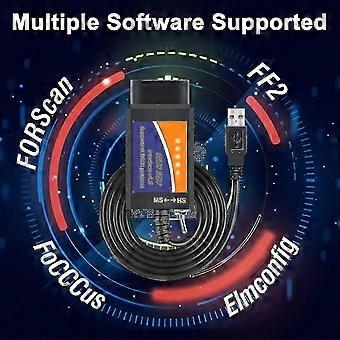
Compatible Software
- FORScan (enables advanced features such as Global Window, Bambi Mod, Secure Idle, Perpendicular Park, Trailer Brake Controller, Reverse Tilt Mirrors, Tire Size Correction, 5 Turn Signal Flash, Heated Steering Wheel, Disabled Double Horn Honk, Disabled Door Ajar Chime, and more)
- ELMconfig
- FoCCCus
- FF2
Specialized interface designed for and vehicles. The ELM327 USB scan tool supports HS-CAN by default, as HS-CAN complies fully with OBD2 standards, using pins 6 and 14. MS-CAN uses pins 3 and 11.
The FORScan OBD II Adapter is a reliable diagnostic tool that reads and clears fault codes, supports ELM327 functionality, and enables check engine light diagnostics. The USB connection with V1.5 hardware helps prevent data loss and ensures stable communication. The MS-CAN/HS-CAN switch allows speeds up to 500 kbit/s, supporting advanced diagnostic and programming tasks.
Software Compatibility: FORScan, Elmconfig, FF2, FoCCCus
Operating System Compatibility: Windows XP, Vista, 7, 8, 10
Supports all OBD2 protocols including J1850PWM, HS-CAN, MS-CAN, HS-CAN2, and HS-CAN3. This device functions as a standard OBD-II/EOBD/CAN code reader on all compatible vehicles.
FORScan features are intended for , Lincoln, , and Mercury series vehicles manufactured after 1996.
Product details including features and specifications are provided in the title and description. Please review the size and dimensions to ensure compatibility with your requirements.
For any questions or concerns, contact the seller for support.
-
Fruugo ID:
412621880-872382298
-
EAN:
1287594992198