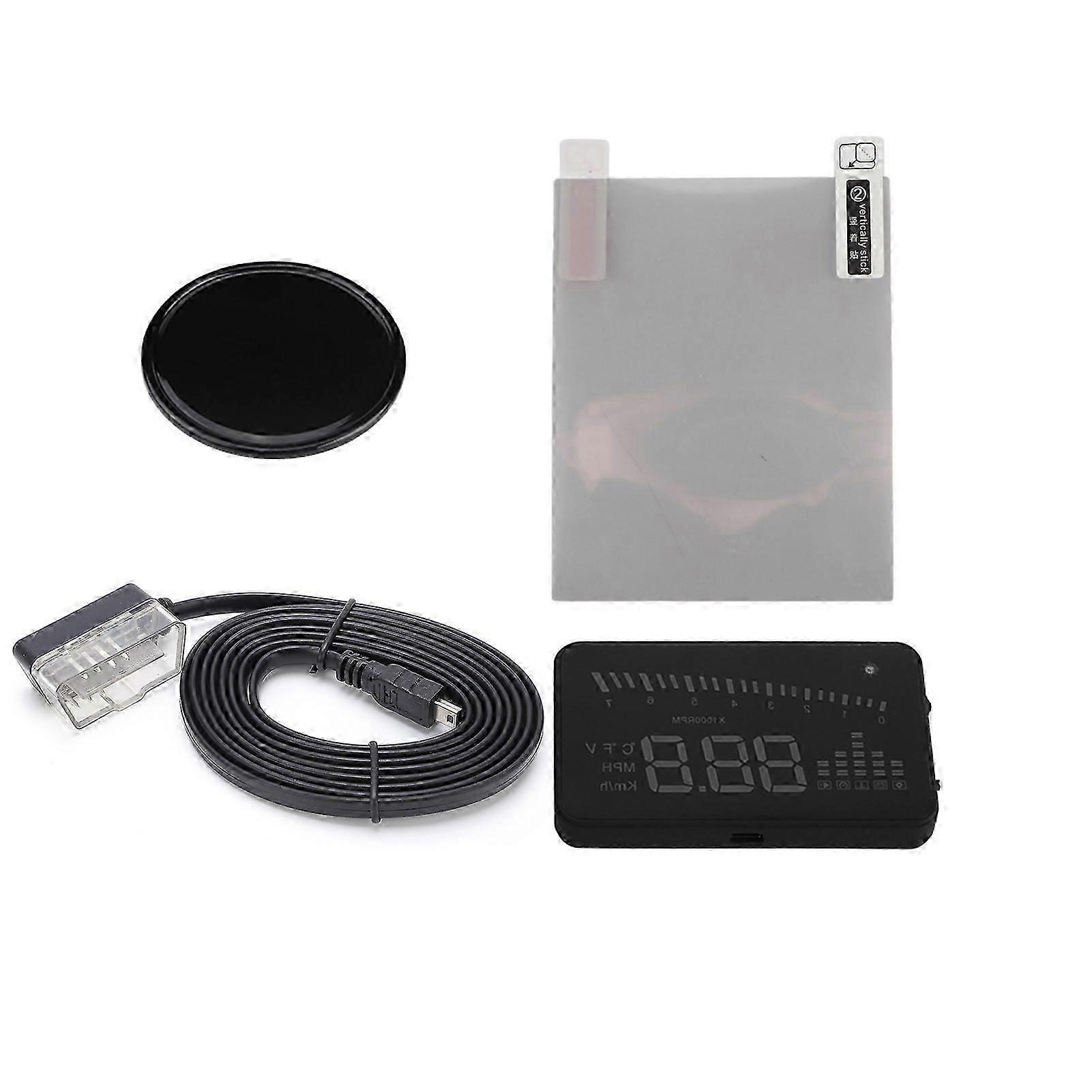
Description
OBDII HUD Head Up Display Color LED Projector Speed Warning System for Car Trucks
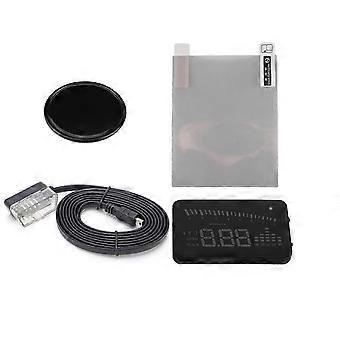
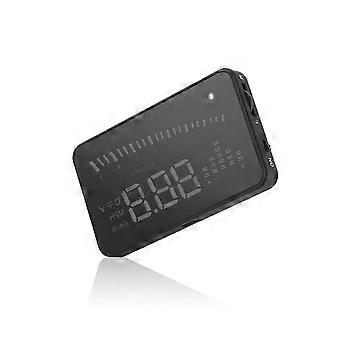
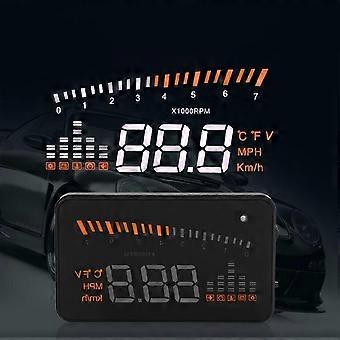
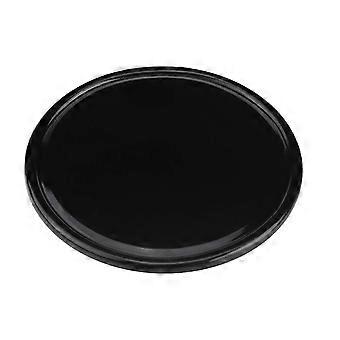
This product is for drivers' safety, especially in high-speed driving at night, HUD can keep driver eyes on the road and can decrease car accident. HUD can project the important information (such as speed) onto the windshield, it can help inexperienced novice to control their speed and to avoid speeding violation in the speed limit road. More importantly, it enables the driver instantly read the number in great vision and always make drivers eyes on the road in clear mind. Our HUD can display many useful information, and allows you to experience the speed and also to ensure your driving safety and driving pleasure. Our HUD uses the latest stable integrated circuits, all indexes are in line with the standards. And our HUD has unique and elegant shape, smooth lines, thin body. Features: 1. Automatic adaptation car models, and can apply for cars in line with OBD II or EUOBD (onboard automatic diagnostic system). Plug and play. 2. 3" screen and high-definition display makes the screen more abundant and easier to read. 3. The use of nanotechnology to eliminate unwanted reflections and can make display information more sharper. 4. Display rich content: speed, engine speed, water temperature, battery voltage, low voltage alarm, high temperature alarm, speed alarm,free switching between kilometer and mile,free switching between and . 5. Auto power on and off with vehicle started and shutdown, effective protection of the car battery; while retaining the manual switch mode, and more easy to control HUD. 6. Automatic and manual brightness adjustment mode, driving without glare. Specifications: HUD Button function 1. OBDII interface, to contact the vehicle OBD interface. 2. Button for power on and off. 3. Wave button: Up button (turning the button to upside),OK button(pressing the button vertically),Down button (turning the button to downside). HUD display information 1. Light sensors:brightness can be changed with the change of the outside brightness. 2. Rotation speed: indicates the rotating status of the engine and the scale measured represents the speed reached. 3. Rotation speed unit: indicates the rotating status of the engine,1 means 1000/min. 4. Unit mark: -degree centigrade, -Fahrenheit, V -voltage, MPH-Mile per hour, KM/H-kilometer per hour. 5. Multi-function display: speed,voltage,water temperature. 6. Alarm mark:low voltage alarm, high temperature alarm, speed alarm. HUD installation 1 Know the type of your vehicle. When purchasing HUD, you need to choose the type of vehicle that meets the OBDII standards (or EU OBD) for normal use. Open the engine hood and find the sticker below it (see the below picture 1), if it has words like OBDII CERTIFIED, then it can be installed. 2 Find out the 16 pin diagnostic link (see the below picture 2) of the vehicle and connect it well with OBDII connecting line. Picture 1 Picture 2 Reflection film installation Please Note: HUD project the display information on the car front windscreen , because the windscreen is double, which will make double image on the windscreen when display.The double image of car will be different.If you can see clear the display information, then there is no need to use the reflection film. If there is a double image, then please use the reflection film. First, please put the supplied non-slip mats in front of the dashboard, and then put the HUD on it. Second,please stick the reflection film on the windscreen. The reflecting film should be pasted right above the host machine and it should be able to reflect the whole display screen. Methods of pasting the film: 1.Spray some water on the place that the film will be pasted on,and then use a dry towel to clean it; 2. Tear off the back sidemarked 1) of reflection film,then paste it to the right place. 3. After you have adjusted the location well, you can use a scratch board or something else flat to slick the film and squeeze the water inside out until there is no bubble or water in it. 4. Tear off the front side (marked 2) of the reflection film. If the film cannot display the whole information, please adjust the non-slip mat. The first use of HUD Start engine and power on HUD, showing the current vehicle voltage and then enter to search ECU state, if the HUD shows speed, rotating speed, indicating that HUD has been installed successfully. (After 1 minute, or if only display the voltage, please check whether HUD, OBD interface, and OBD data cable are correct connection and plug the OBD cable tightly with vehicle OBD interface a
-
Fruugo ID:
353186778-768700688
-
EAN:
659470080755