描述
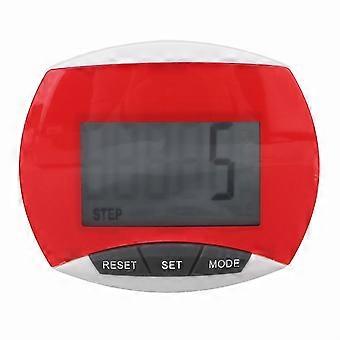
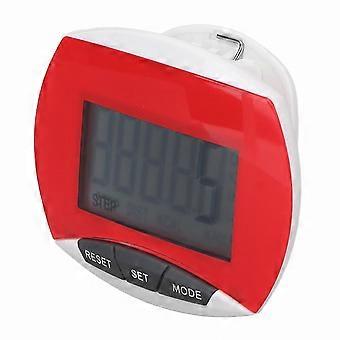
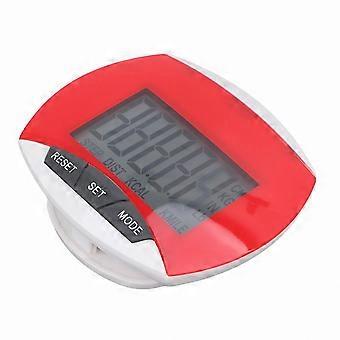
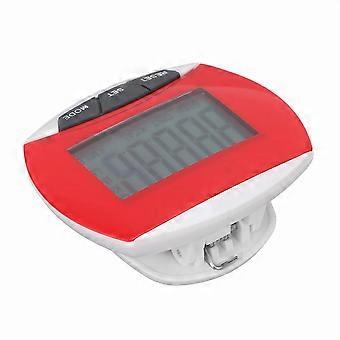
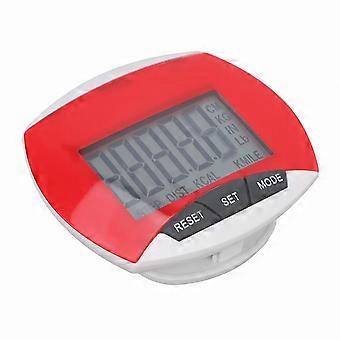
Portable Fitness Tracker with Step Distance Calorie Counter and Clip-On Design for Walking and Exercise
Features
1. User-Friendly Functions: Step counting, calorie counting, distance measurement, clear touch button, easy to operate, brings convenience.
2. Auto Power Off: If no motion data is detected for a short period, it automatically shuts down and saves data. When motion is detected, it resumes automatically.
3. Portable Design: Non-slip buckle clip allows secure attachment to waist or other positions, not easily falling off. Compact and lightweight for easy carrying.
4. Suitable for Multiple Users: Ideal for men, women, children, and the elderly who want to track steps and achieve fitness goals. Perfect for walking, morning exercise, and daily activity monitoring.
5. ABS Material: Made of high-quality ABS material, safe, eco-friendly, firm, sturdy, stable, wear-resistant, and durable.
Specification
Item Type: Pedometer
Material: ABS
Battery Type: 1 x LR1130 Button Battery (Not Included)
Applicable Users: Suitable for men, women, children, and the elderly who want to track steps and achieve fitness goals
This pedometer measures steps through waist movement. For best accuracy, wear it close to the waist.
1. Step Count Function:
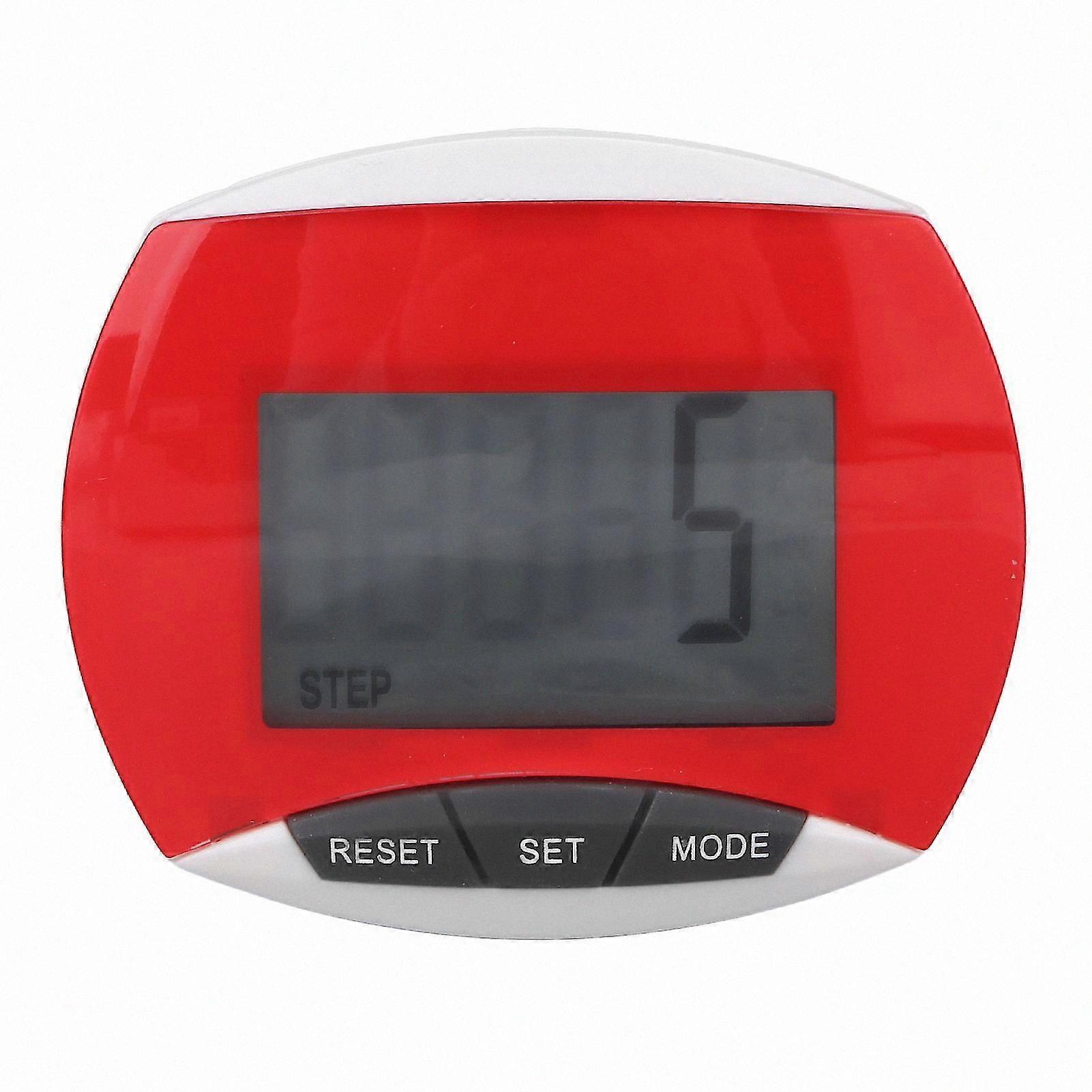
Press the "MODE" button until "STEP" appears at the bottom of the display. The pedometer starts counting steps when motion is detected.
To avoid false counts from sudden movements, steps fewer than 5 are not recorded. Continuous walking of 5 or more steps will be counted, starting from the 5th step.
Long press the "RESET" button to reset the step count to zero.
2. Distance Calculation: For metric version, press the "MODE" key until "KM" appears on the display. For imperial version, press until "MILE" appears.
3. Stride Setting:
Press the "SET" button to adjust stride length. Numbers on the screen will flash.
Use the "RESET" button to adjust the desired value. After setting, the device returns to distance mode automatically after 5 seconds of inactivity.
Once motion is detected, it begins measuring distance.
Long press the "RESET" button to reset distance to zero.
To set your stride:
a) Walk 10 steps at a normal pace.
b) Measure the total distance from the first to the last step.
c) Divide the total distance by 10 to calculate average stride length.
4. Calorie Counting:
Press the "MODE" key until "KCAL" appears.
Press the "SET" button to set your weight. The display numbers will flash.
Use the "RESET" button to adjust to your weight. After setting, it returns to calorie mode automatically after 5 seconds of inactivity.
Calorie counting starts when exercise data is detected.
Long press the "RESET" button to reset calories to zero.
5. Metric and Imperial Units: The pedometer supports both metric and imperial systems.
In any mode, press and hold the "MODE" button until the display flashes and resets to zero to switch units.
Press the "MODE" key to enter distance mode and check the display for KM or MILE indication.
6. Auto Power Off: If no motion is detected within 1 minute, the device turns off automatically and saves data. It resumes when motion is detected.
Package List
1 x Pedometer
1 x Manual
-
Fruugo ID:
408023656-864607744
-
EAN:
1210983725039