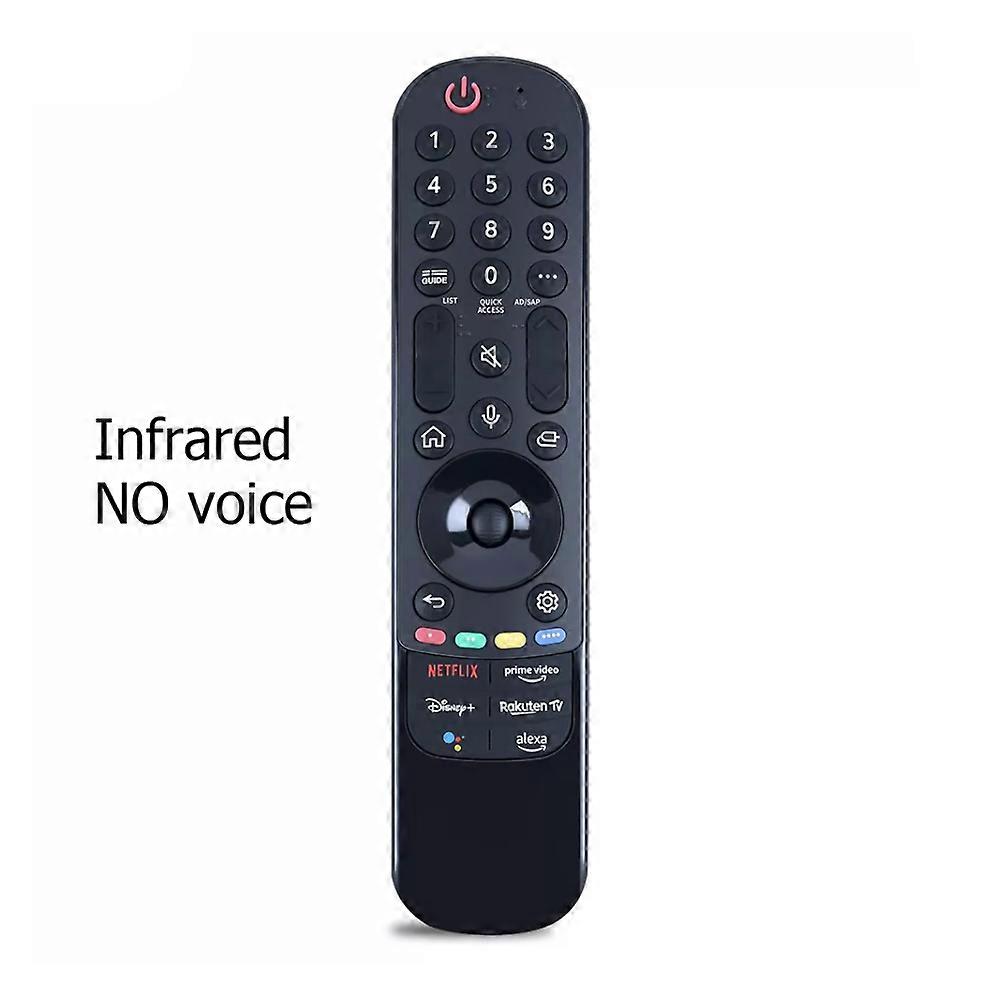
Remote Replacement for LG Smart TV with Pointer and Easy Pairing Setup(infrared)
RM149.00
FREE Shipping

Remote Replacement for LG Smart TV with Pointer and Easy Pairing Setup(infrared)
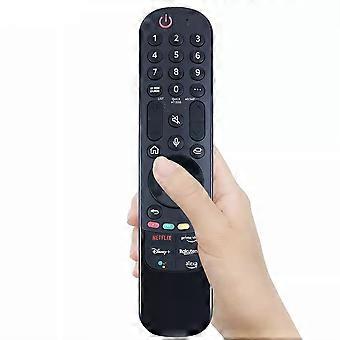
Sold by:
Remote Replacement for LG Smart TV with Pointer and Easy Pairing Setup(infrared)
RM149.00

Save RM80.00 (34%)

RRP

RM229.00
In stock
FREE Shipping

14-Day Returns Policy

Payment methods:

  • Brand: Unbranded

Description

Remote Replacement for LG Smart TV with Pointer and Easy Pairing Setup(infrared)
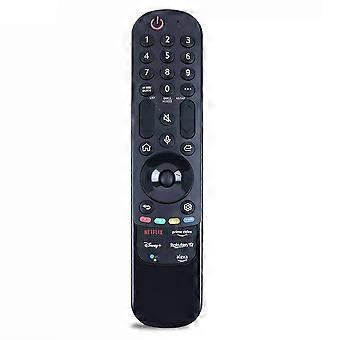
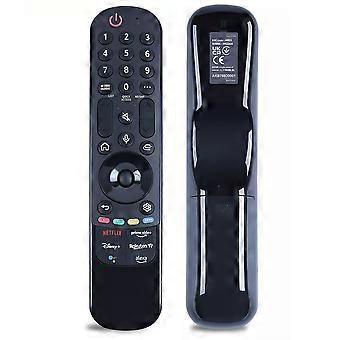
Product overview This replacement Magic Remote restores full remote control functions for TVs that support this remote type. It pairs with your TV to enable point-and-click navigation, the center scroll wheel (OK) control, and standard remote commands. The remote requires two brand-new alkaline batteries for reliable operation. Key benefits - Restores full TV control when the original remote is lost or broken, without needing to replace the TV. - Easy, on-screen pairing process that completes in minutes when following the steps below. - Clear unpair and reset options so you can remove an old remote and register this unit as the active controller. - Compatible with TVs that support this Magic Remote model; use the TV model number to confirm compatibility if needed. What you need to know before use - Use only brand-new alkaline batteries. Do not use used or weak batteries because they can prevent pairing and proper function. - A TV can register only one Magic Remote at a time. If an older Magic Remote is still registered, unpair it before registering this remote. Quick setup (pairing) 1. Insert two brand-new alkaline batteries into the Magic Remote and close the battery cover. 2. Turn the TV on by pressing the power button on the remote. 3. Point the remote at the TV and press the center scroll wheel (OK) to start pairing. 4. Follow the on-screen instructions to complete registration. Unpairing, resetting, and re-registering - To unpair the Magic Remote from the TV: press and hold the Back and Home buttons simultaneously for five seconds. - To reset and clear the remote so you can re-register it: press and hold the Home and Set buttons simultaneously for more than five seconds, then point the remote at the TV and press the center scroll wheel (OK) to register again. - If an older remote remains registered, unpair it first by pressing Back and Home for five seconds, remove its batteries, unplug the TV for 60 seconds, then plug it back in and begin the registration process for this remote. Troubleshooting tips - If pairing fails, repeat the pairing steps and make sure you used fresh alkaline batteries. - If the TV displays a message stating the remote is not supported, the remote may be the wrong model for your TV. Confirm your TV model number and compare it with the supported models for this Magic Remote. - If you cannot get the remote to register and wish to avoid a return, contact the seller through your order platform and provide your full TV model number so they can assist further. Practical use scenarios - Replace a lost or damaged original remote to restore all navigation and playback controls without buying a new TV. - Keep a second remote in a secondary room so family members can
  • Fruugo ID: 513546224-1048569297
  • EAN: 6258520698953

Delivery

Dispatched within 7 days

  • STANDARD: FREE - Delivery between Mon 17 August 2026–Mon 07 September 2026 - FREE

Shipping from China.

Returns

We do our best to ensure that the products that you order are delivered to you in full and according to your specifications. However, should you receive an incomplete order, or items different from the ones you ordered, or there is some other reason why you are not satisfied with the order, you may return the order, or any products included in the order, and receive a full refund for the items.

View full return policy

Product Compliance Details

Please see the compliance information specific to this product outlined below.

The following information is provided by the independent third-party retailer selling this product.

Manufacturer
The following information outlines the contact details for the manufacturer of the relevant product sold on Fruugo.

  • Guizhou Jingxing Media Co., Ltd.
  • Guizhou Jingxing Media Co., Ltd.
  • Binhe East Road and Wangcheng Road
  • Intersection, Botai Peninsula Shuiwan 1402
  • Hongshan Street, Qixingguan District
  • Bijie
  • CN
  • 551700
  • [email protected]
  • 8618200255082

Responsible Person in the EU
The following information outlines the contact information for the responsible person in the EU. The responsible person is the designated economic operator based in the EU who is responsible for the compliance obligations relating to the relevant product sold into the European Union.

  • GLOBEREX SPAIN SOLUCIONES SLU
  • GLOBEREX SPAIN SOLUCIONES SLU
  • CALLE TORCAL, 2,5 D
  • Madrid
  • ES
  • 28041
  • [email protected]
  • 34621668802