Description
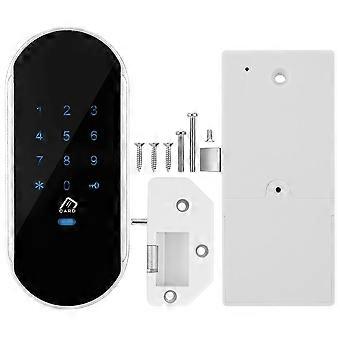
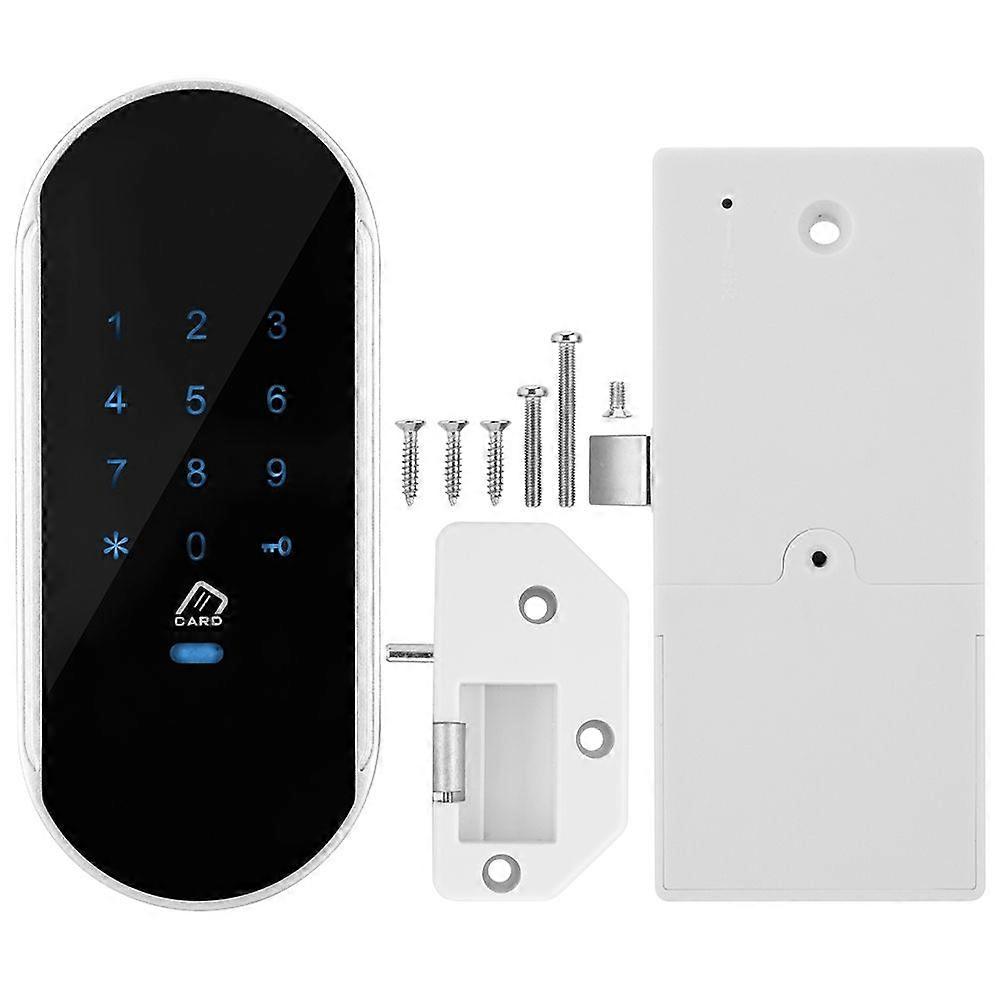
Smart Electronic Password Coded Inductive Lock Sauna Gym Locker Cabinet Induction Cipher Lock
Features:
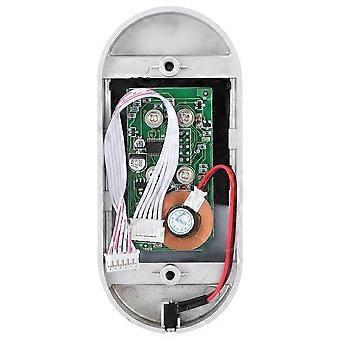
1.Made of high quality zinc alloy and acrylic material, safe and eco?friendly, durable and sturdy to use.
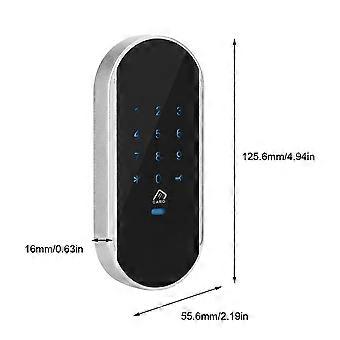
2.Compact design, exquisite and accurate workmanship. Suitable for both metal and wooden cabinet.
3.Multiple ways to unlock: password unlock, card unlock, or password + card unlock.
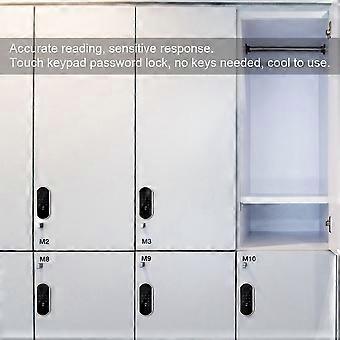
4.Accurate reading, sensitive response. Touch keypad password lock, no keys needed, cool to use.
5.Easy installation. All necessary accessories are provided to you that convenient to install.
Specification:
Features:
Made of high quality zinc alloy and acrylic material, safe and eco-friendly, durable and sturdy to use.
Compact design, exquisite and accurate workmanship. Suitable for both metal and wooden cabinet.
Multiple ways to unlock: password unlock, card unlock, or password + card unlock.
Accurate reading, sensitive response. Touch keypad password lock, no keys needed, cool to use.
Easy installation. All necessary accessories are provided to you that convenient to install.
Specification:
Model: 952
Material: Zinc Alloy(Frame) + Acrylic(Touch Screen)
Battery: 4pcs x AA Batteries
Operating Commands A. Managing User Management 1. Add management card:
When the lock is out of the factory, the first card swiped is added as the management card.
2. Modify the management password:
Original management password + key button 1 + new management password + key button, new management password + key button
B. Adding Users 1. Add user password:
Management password + key button 8 + number (001-200) key button, user password, key button, user password, key button... can be added continuously
2. Add user cards:
Swipe management card twice + swipe card...; can be added continuously
C. Delete Users 1. Delete user passwords:
Management password + key button 4 + number (001-200), key button number (001-200), key button... can be deleted continuously
2. Delete user cards:
Swipe management card twice + 4 + number (001-200), key button number (001-200), key button...; can be deleted continuously
3. Delete all user passwords:
Management password + key button 0 + key button
4. Delete all user cards:
Swipe management card twice + 0 + key button
D. System settings 1. Switching between household and public modes:
Management password + key button, 7, key button
2. Switching from single-open mode to double-open (combination) mode:
Management password + key button, 6, key button
3. Switching from double open (combination) mode to single open mode:
Management password + key button, 5, key button
E. Open the door 1. Open the door in single mode:
Card swipe: door lock open, closing after 5 seconds
Password: door lock open, close after 5 seconds
The password can be changed during the 5 seconds opening. After the lock tongue enters, follow the following operation:
1 + new password + key, new password + key;
2. Open the door in double card mode:
Management password key (or management card); door lock, closing after 5 seconds
User password key (or card) + card (or user password key); Door Lock, Close after 5 seconds Note:
1.Opening the door in double-open mode does not support the function of modifying user password.
2. Keyboard locked for 2 minutes after 7 consecutive typing errors
Configuration in public mode 1 group of management passwords, 1 group of temporary passwords, 1 management card, 1 temporary card Password digits: 4-15 digits 1. Exit Status:
Press the button five times continuously, and the door lock will be restored to the factory status. management password: 12345678, default home mode, single-mode unlock.
2.Switching to Public Door Lock Mode:
Management password + key button, 7, key button: switch to public mode, when the door lock is in the open state.
Operating Commands A. Managing User Management (Normally Open and Lock-in States are Operational) 1. Add management card:
When the door lock is out of the factory, the first card brushed is added as the management card.
2. Modify the management password:
The original management password + key + 1 + new management password + key + new management password + key
B. Adding temporary users (usually open to operate) B. Adding temporary users (usually open to operate)
1. Add temporary password (single open mode):
New Temporary Password + key button, New Temporary Password + key button; Door Lock Closed
2. Add temporary cards (single-open mode):
Card swiped; door lock closing
3. Add temporary passwords and cards (in double-open mode):
New temporary password + key button, new temporary password + key, and then swipe the card; door lock closed
Or swipe card, new temporary password + key button, new temporary password + key; door lock closed
C. System settings 1. Switching between household and public modes:
Management password + key button, 7, key button
2. Switching from single-open mode to double-open (combination) mode:
Management password + key button, 6, key button
3. Switching from double open (combined) mode to si
-
Fruugo ID:
316358333-704366503
-
EAN:
9368102400465